
Location data tracking has been running on your phone all day, quietly recording where you slept, where you work, and which route you took this morning without you ever opening an app to ask it to.
Most of that information is shared with companies you have never heard of. Some of it may be accessible to someone who means you actual harm.
That second possibility is the one worth taking seriously.
This post covers what location data reveals about your daily life, who is actually collecting it, how SIM swaps and phone number hijacking function as location attacks, and how to protect your physical location without giving up your phone. It is part of our wider guide to what hackers actually want from you.
What Does Location Data Reveal About Your Daily Life?
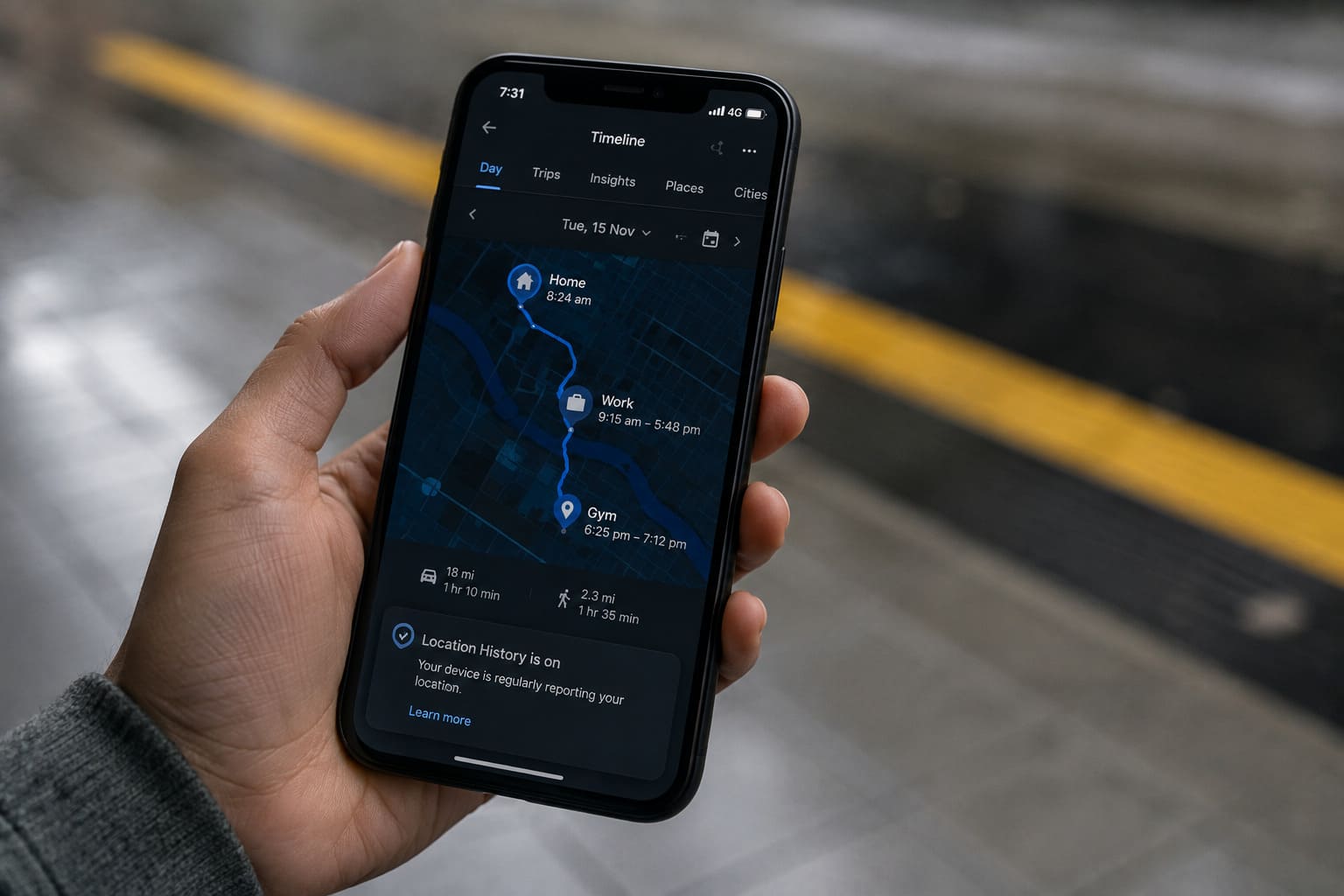
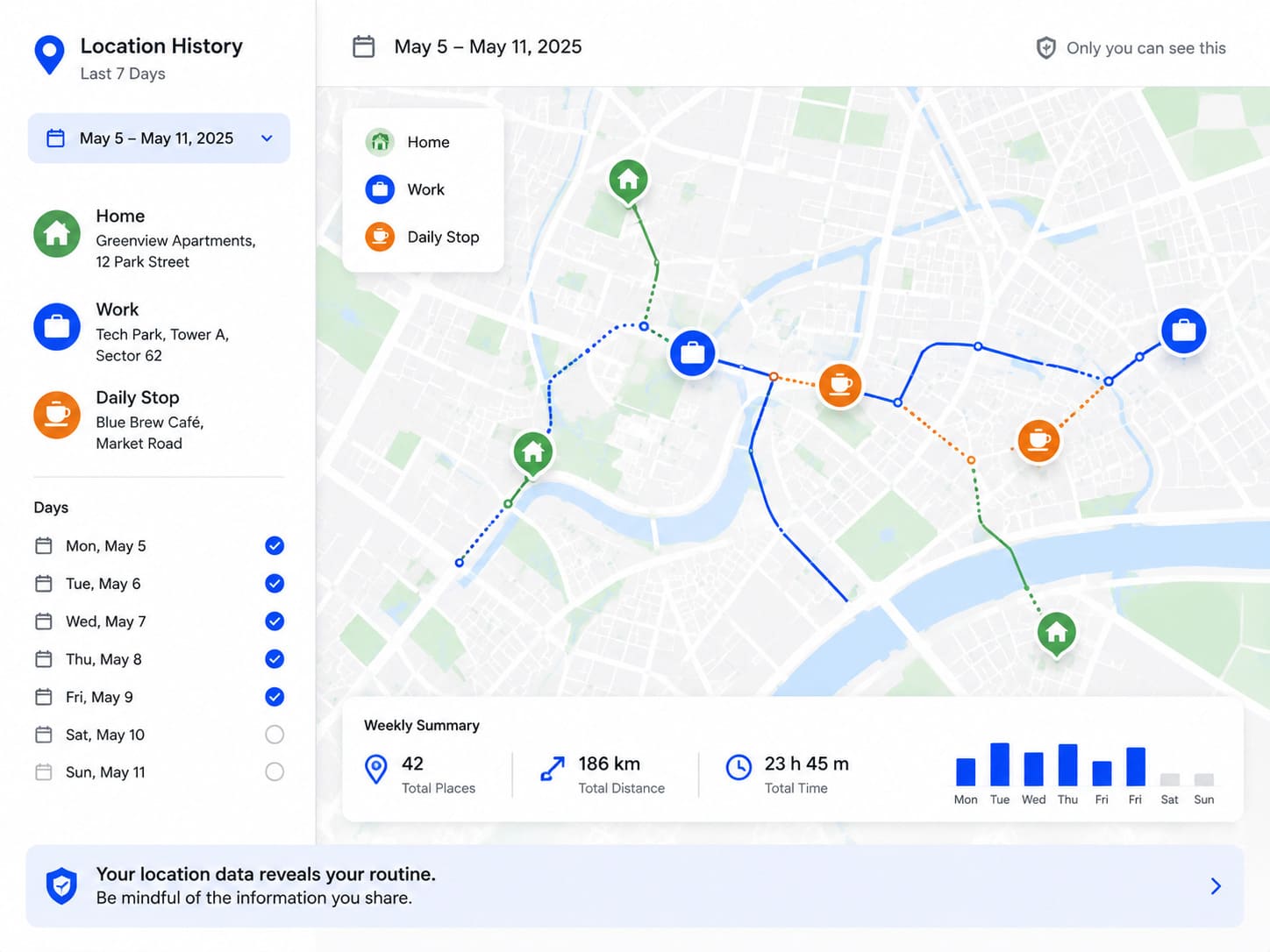
A week of location history reveals your home address, your workplace, your gym, your place of worship, and every place you visited in between, a complete map of your life built without a single deliberate disclosure.
None of this requires a single suspicious app. Ordinary, everyday apps, weather, ride-hailing, food delivery, routinely request location access far beyond what their actual function needs.
Patterns matter as much as single points. A location that appears every weekday morning between 9 and 6 tells anyone looking exactly where you can reliably be found during those hours.
This is what makes location data tracking different from most other kinds of data collection. A single data point is mildly revealing, while a pattern gathered over weeks becomes a genuinely predictive map of your life.
This connects closely to the wider pattern covered in more depth in our guide to your personal information is worth real money, here’s who wants it, since location history is one of the most detailed and valuable identifiers you generate every single day.
Who Is Actually Collecting Your Location?
Apps, advertising networks, data brokers, and your mobile carrier all collect location data through different mechanisms, often simultaneously, often with permissions you granted once and forgot about entirely.
Commercial location data tracking of this kind is usually invisible by design. Few apps make clear how often they check your position or how long that history is retained once collected.
This connects closely to the broader tracking ecosystem covered in more depth in our guide to cookies, pixels and fingerprinting, how you’re tracked everywhere online, since location is simply one more signal feeding the same profile-building system.
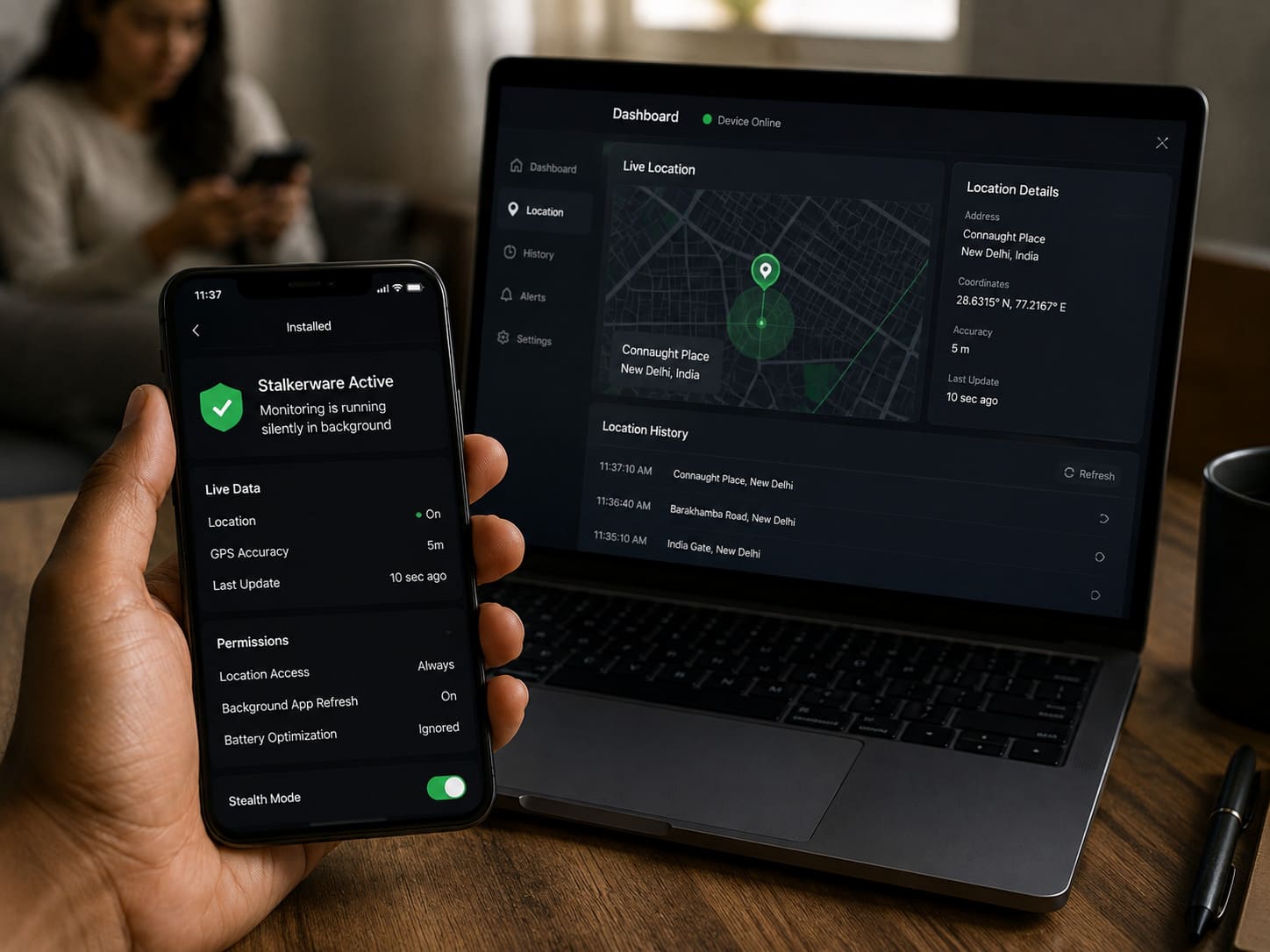
Stalkerware represents a more direct and personal version of this collection, software installed by someone with physical access to your device, often a partner or former partner, that shares your real-time location without your knowledge.
The number of people globally affected by stalkerware and location-tracking spyware more than doubled between 2020 and 2024, a 228 percent increase, according to Avast’s threat telemetry, with documented links to escalating physical violence in domestic abuse cases.
Approximately 1 in 10 people has experienced some form of tech-enabled stalking, with former intimate partners the most common perpetrators, according to the Coalition Against Stalkerware’s 2025 research.
How Do SIM Swaps and Phone Number Hijacking Work as Location Attacks?
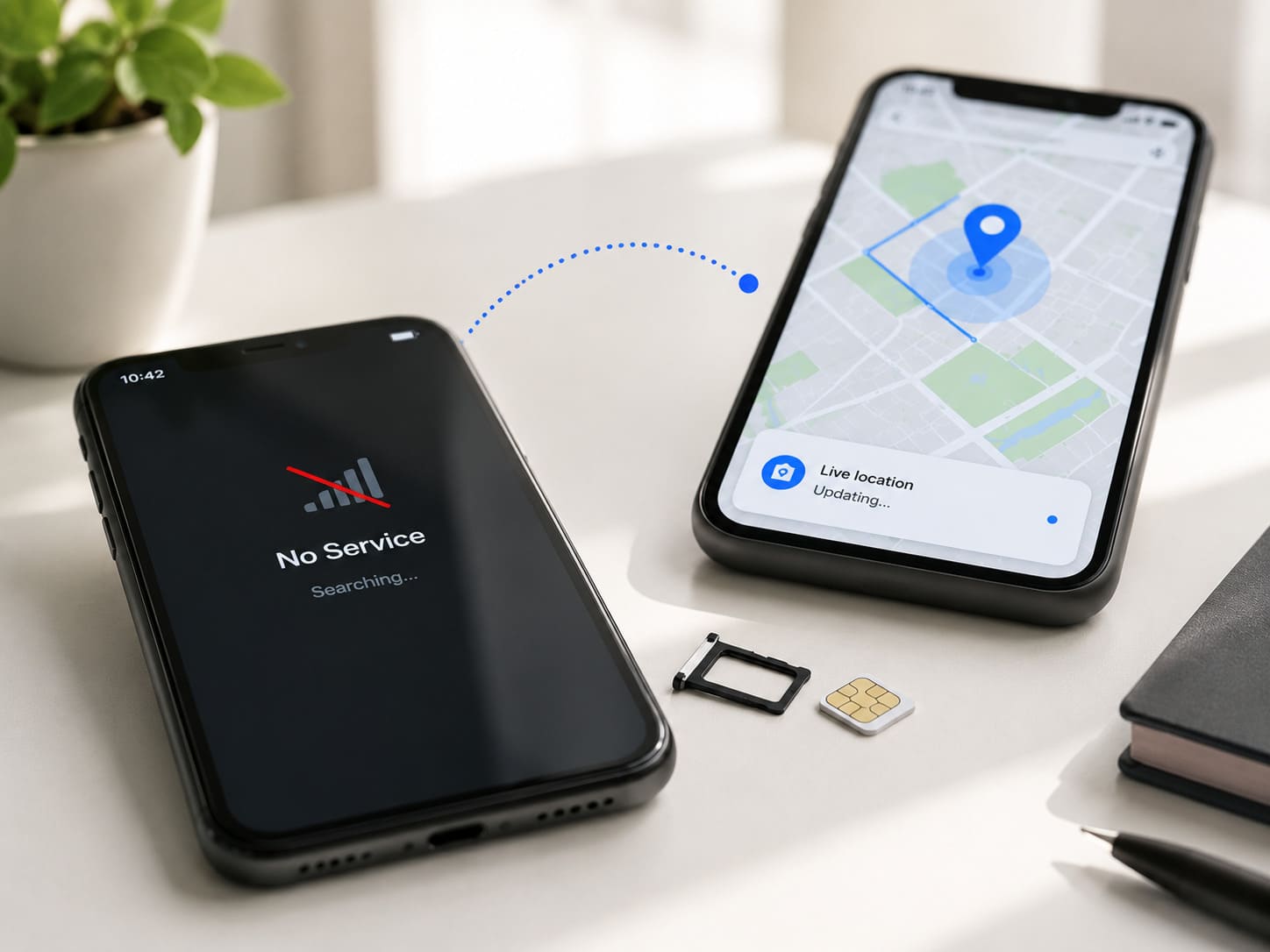
A SIM swap moves your phone number onto a criminal’s SIM card by deceiving your mobile carrier, and from that moment, location-based services tied to your number can effectively follow the attacker instead of you.
Family-tracking apps and find-my-phone features rely on your number and account being genuinely yours, which means a successful SIM swap can hand an attacker a live view of the very location data meant to protect you.
Protecting your mobile number through your carrier’s official channels, such as India’s Sanchar Saathi portal, is one of the most effective defences against this specific kind of hijacking.
Documented ambush scenarios in domestic abuse cases have used exactly this combination, real-time location access paired with a hijacked or monitored phone number, to physically intercept a victim.
A carrier’s own verification process is usually the weak point, not the technology itself. A convincing phone call to a help desk is often all it takes to move a number onto a new SIM.
This is precisely the point where a digital threat stops being theoretical and becomes a genuine, immediate physical safety concern.
Commercial and personal location data tracking often get discussed as separate issues, but the underlying vulnerability, an account or number that can be compromised, is frequently the very same one.
How Do You Protect Your Physical Location Without Giving Up Your Phone?
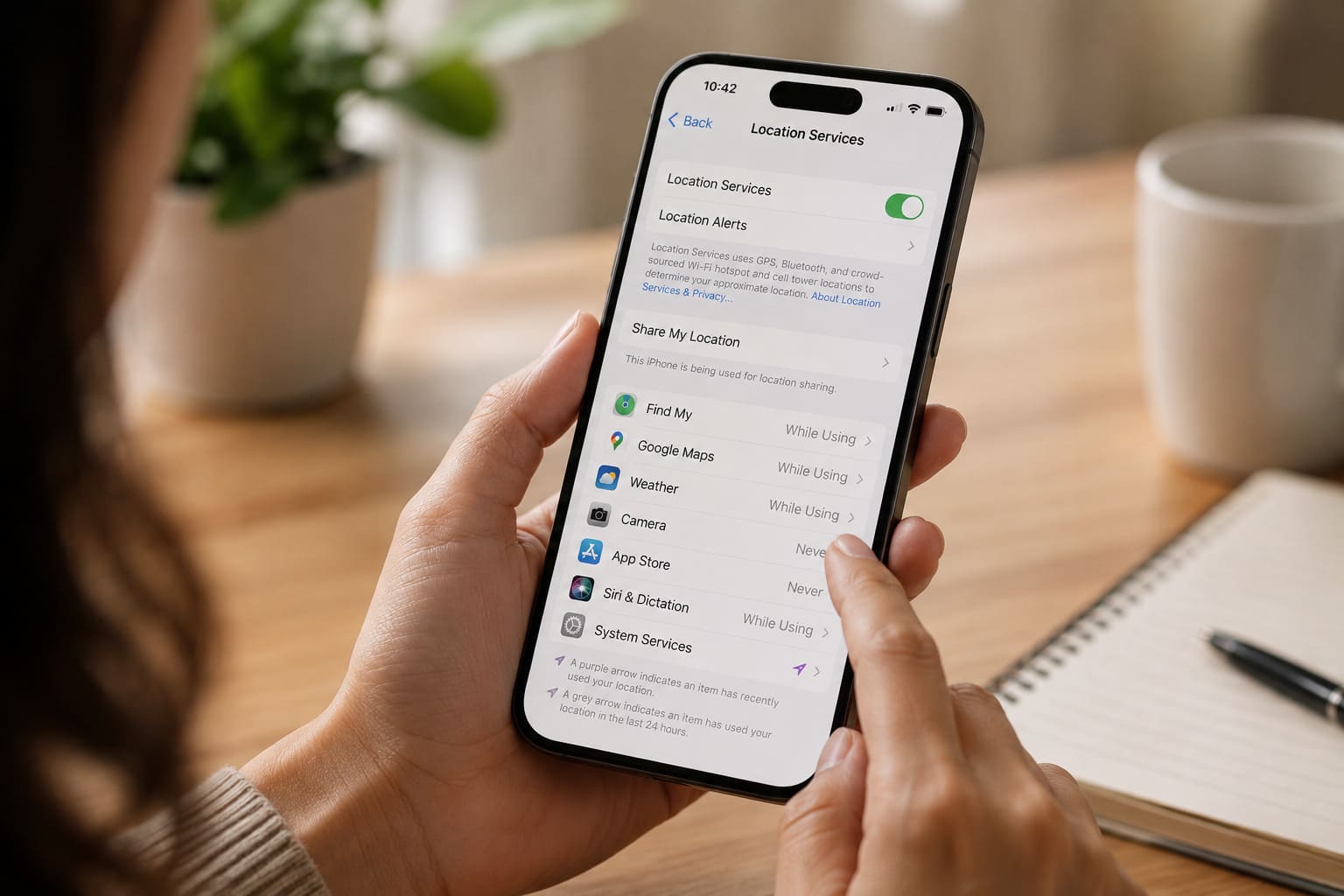
Go to your phone’s location settings right now and change every app from “always on” to “only while using,” or turn location access off entirely for apps that have no real reason to know where you are.
Review which apps have location permission at all, since a torch or note-taking app requesting constant location access is a signal worth acting on rather than ignoring.
Ask, for each app, what it would actually lose by not knowing your location. If the honest answer is nothing, the permission is doing more for the app’s data collection than for you.
Check your phone periodically for unfamiliar apps, unusually fast battery drain, or a device that runs warm even when idle, all early signs that stalkerware may be present.
Reducing unnecessary location data tracking is not about becoming unreachable. It is about making sure the only people who can find you are the ones you have actually chosen to let in.
If you suspect stalkerware or believe someone is tracking you without consent, our guide to digital stalking, how to recognise it and what to do covers safe next steps in detail.
For a deeper look at what stalkerware specifically looks like and how it gets installed, see our guide to stalkerware and spyware, when someone you know is watching your phone.
If you believe you are in immediate danger, or if a digital threat has escalated toward physical harm, report it as soon as possible through India’s National Cyber Crime Reporting Portal or the 1930 helpline.
Frequently Asked Questions
How can I tell if stalkerware is installed on my phone?
Watch for unfamiliar apps, unusually fast battery drain, or a device running warm even when idle. None of these alone is proof, but together they are worth investigating carefully and safely.
Does turning off location services completely stop all tracking?
It reduces app-based tracking significantly, but your mobile carrier can still determine your general location through cell tower connections regardless of your phone’s settings.
What should I do if I think someone is using my location to track me physically?
Prioritise your safety first. Consider reaching out to a trusted person or organisation before removing any tracking software, since removal can sometimes escalate the situation.
What This Comes Down To
The data your phone collects about your location is more revealing, and more genuinely dangerous, than most people realise. Limiting location access is one of the highest-impact privacy changes available to you.
The one habit that helps most: review your phone’s location permissions today, and treat any unexplained device behaviour as worth investigating rather than dismissing outright.
A few minutes spent now is a small price for knowing exactly who can find you, and who genuinely cannot.
If this was useful, share it with someone who needs to know.