
Someone says something out loud in their home, and sees an oddly related ad the next day. Whether or not that specific thing happened exactly as described, it is worth walking through what smart home devices are actually collecting. Smart home privacy risks rarely announce themselves this obviously.
Smart home privacy risks extend well beyond advertising. A smart home is a convenient home, and also a home that generates a detailed, ongoing record of much of what happens inside it.
The number of IoT devices globally exceeded 18 billion in 2025, according to IoT Analytics, each one a potential surveillance endpoint, whether through a manufacturer’s own data practices or through a device compromised by someone else entirely. EFF’s smart home privacy resource covers exactly this risk for speakers, cameras, and other connected devices.
This post covers smart speakers and always-on listening, smart cameras and doorbells as surveillance infrastructure, baby monitors and domestic vulnerability, and how to secure the devices already in your home. This connects to the broader guide on the full guide to high-risk threats.
What Do Smart Speakers Actually Record?
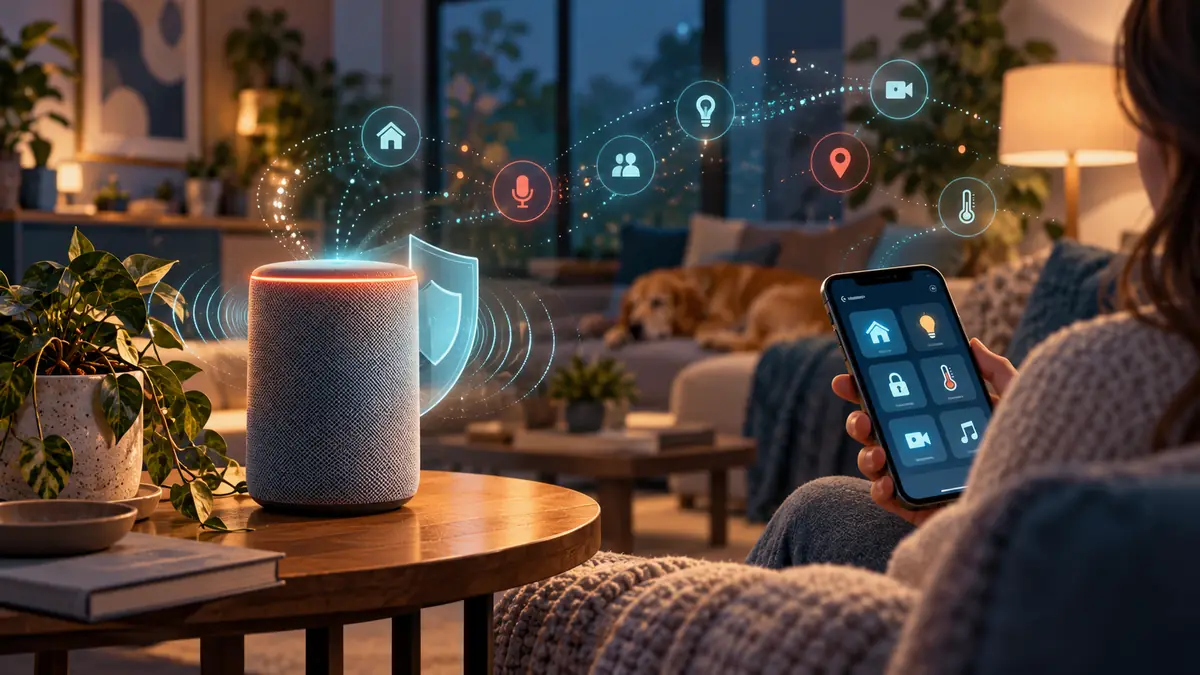
Smart speakers listen continuously for a wake word, and recordings made after that wake word are typically stored and, in many cases, reviewed by human contractors for quality assurance, a practice most users are unaware of despite it being disclosed in lengthy terms of service.
Accidental activations, the device mishearing a wake word in ordinary conversation, are well documented and mean that some amount of unintended recording occurs even with careful use, adding a layer of exposure most households have not fully considered.
Reviewing and deleting stored voice recordings is possible on most major platforms, though the setting is rarely enabled by default and typically requires navigating several menus to find.
Some manufacturers now offer a local, on-device processing mode for basic commands, avoiding the cloud entirely for a limited set of functions, though this typically comes with reduced feature capability compared to the standard cloud-connected setup most households actually use.
Smart speakers integrated with third-party skills or apps add a further layer, since granting a skill access to your speaker can extend its data collection beyond what the speaker manufacturer itself discloses, governed instead by that third-party developer’s own, often less scrutinised, privacy policy. Reviewing which skills are actually enabled, and removing ones no longer in use, closes off a data-sharing path most households never think to check.

How Do Smart Cameras and Doorbells Function as Surveillance Infrastructure?
Smart doorbells and security cameras, marketed as personal safety tools, also create a persistent visual and sometimes audio record of a public-facing area, one that in some jurisdictions has been made accessible to law enforcement through partnership programmes without a warrant in every case.
This connects to how facial recognition and surveillance cameras actually work, since consumer doorbell cameras have increasingly become part of the same broader surveillance infrastructure covered there.
Default settings on many smart camera systems favour convenience over privacy, cloud storage enabled, sharing features turned on, which means a meaningful review of settings is required to bring a device in line with what most households actually intend.
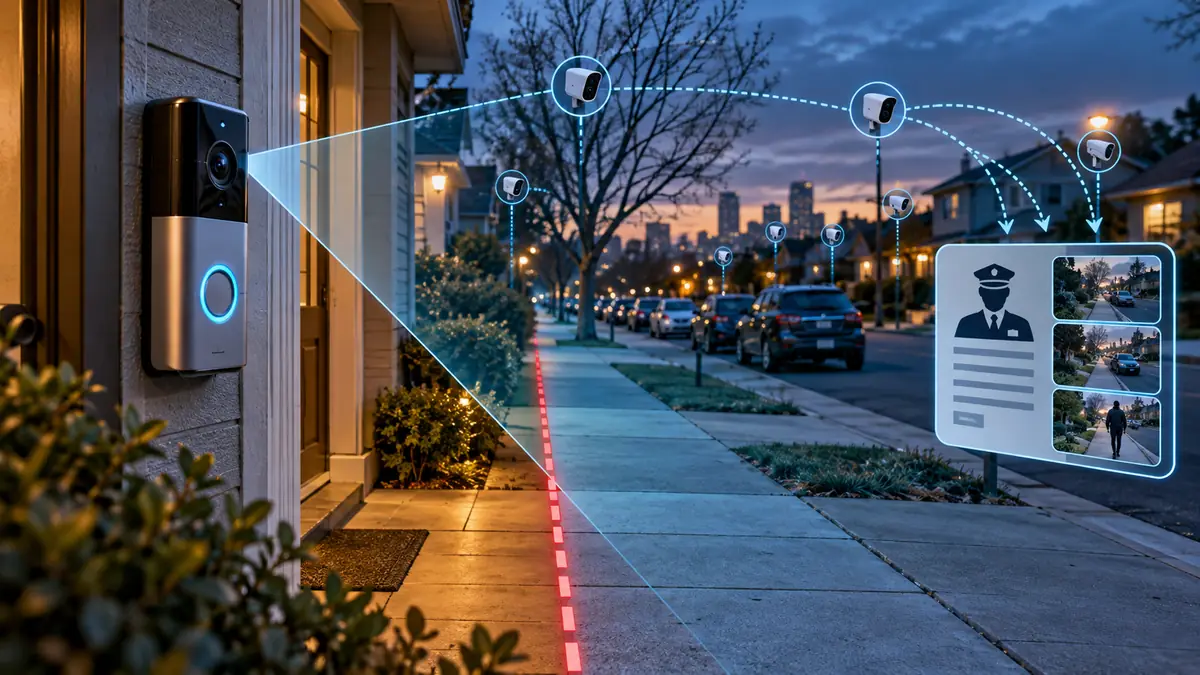
Neighbourhood-linked camera networks, where a doorbell camera’s footage can be shared into a community app or requested by other users nearby, introduce a further consideration beyond your own household’s settings, since footage of your property or visitors can end up circulating in a network you never explicitly joined. Checking whether your specific camera brand participates in this kind of sharing, and disabling it if you would prefer your footage to stay private, is worth doing at setup rather than discovering it later.
How Do Baby Monitors and Smart Home Devices Create Domestic Vulnerability?
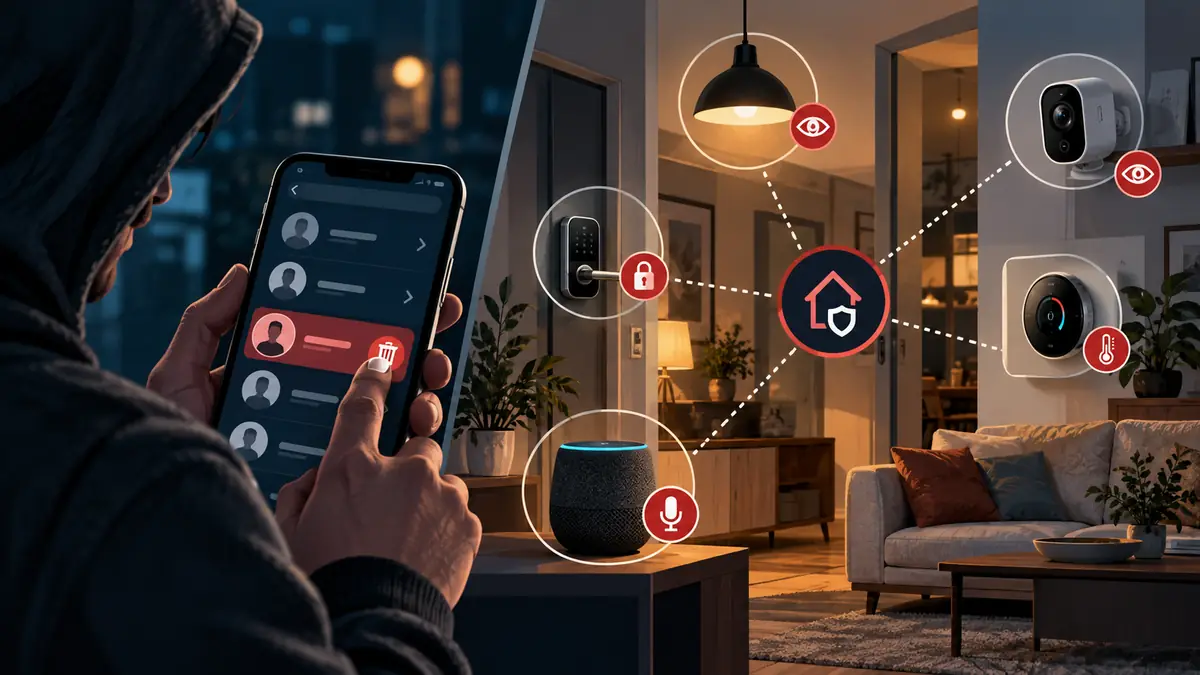
Documented stalkerware company breaches in 2025 exposed smart home device data, revealing that connected baby monitors, smart speakers, and security cameras were being accessed by abusers using compromised or shared credentials, a pattern distinct from an external hacker but no less serious.
Smart home devices controlled through a shared household account create a specific risk in domestic abuse situations, since a controlling partner with access to that shared account can monitor movement, conversations, and even lock or unlock doors remotely without the other person’s knowledge.
This overlaps directly with stalkerware and someone watching your phone, since smart home abuse follows a closely related pattern, control exercised through devices rather than solely through a phone.
Smart locks and connected thermostats extend this same abuse pattern into physical comfort and access, an account holder can lock a person out of their own home or manipulate temperature remotely, actions that read as minor individually but form a recognisable pattern of coercive control when they recur. Domestic abuse advocates increasingly ask specifically about smart home device access during safety assessments, precisely because this category of control is easy for a victim to dismiss as a technical glitch rather than deliberate behaviour.
How Do You Actually Secure Your Home Devices?
Change default passwords on every smart home device immediately after setup, since default credentials are widely known and are the single most common way IoT devices are compromised by outsiders.
Review which accounts have access to shared smart home systems periodically, particularly after a relationship change, and remove access promptly rather than assuming it will be addressed later once things settle down.
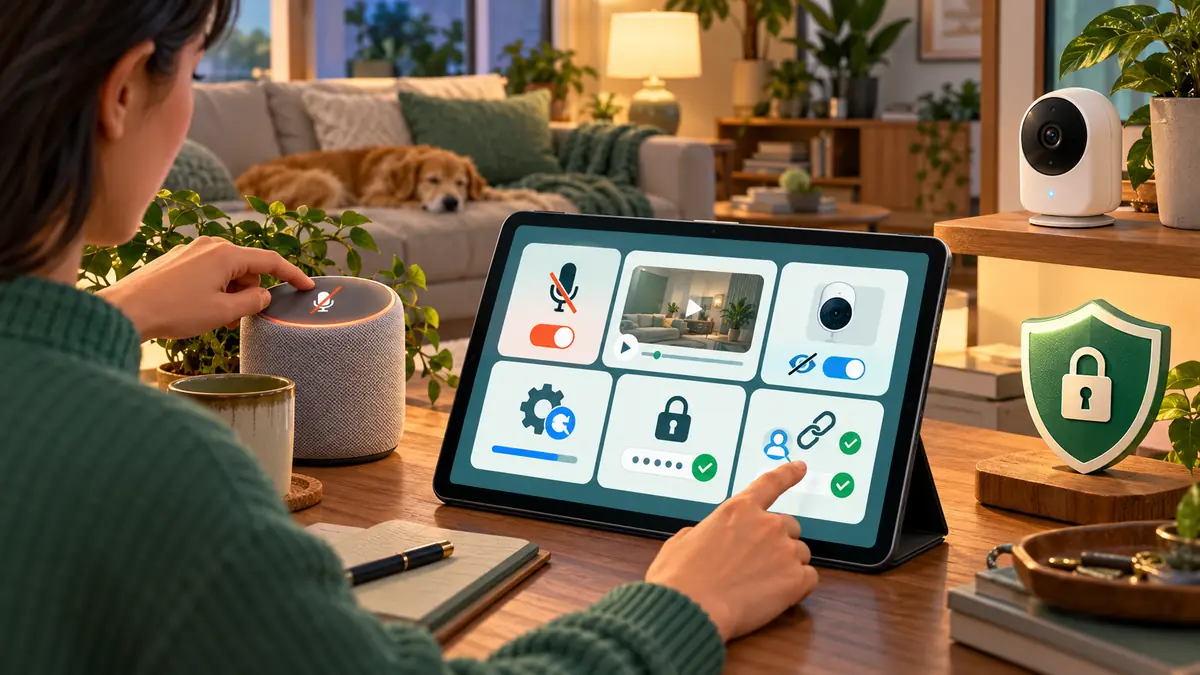
Disable microphones and cameras on devices when not actively in use where the hardware supports it, and check manufacturer settings for data retention periods, opting for the shortest retention period the device allows.
Keep firmware updated across every connected device, not just the primary hub, since an overlooked smart plug or sensor with outdated firmware can serve as an entry point into an otherwise well-secured home network, a pattern security researchers have documented repeatedly across supposedly unrelated devices sharing the same network.
For further reading, Mozilla’s *Privacy Not Included guide, EFF’s Surveillance Self-Defense guide, and Consumer Reports each cover this topic in more depth.
Frequently Asked Questions
Are smart baby monitors safe to use at all?
Yes, with proper setup: a unique strong password, two-factor authentication where available, and firmware kept up to date. The risk comes overwhelmingly from weak default security, not from the category of device itself.
How do I know if someone else still has access to my smart home system after a relationship ends?
Review the connected accounts and paired devices list within each smart home app directly, remove any unfamiliar or former accounts, and change the primary password and any shared PINs immediately.
Smart home privacy risks are the trade-off for that convenience, and understanding what a device actually records is worth the twenty minutes it takes to review properly.
To reduce smart home privacy risks in your own house, check the connected accounts on one device today, and remove anyone who should no longer have access, including a former housemate, ex-partner, or guest who was never formally removed and may still have quiet, ongoing access to your home devices, cameras, and recordings without you ever fully realising the connection itself was still quietly active months or even years later on, unnoticed the entire time it ran.
If this was useful, share it with someone who needs to know.
