

You search for something on your phone. An hour later, an ad for the exact same thing appears in a completely different app, on a different device, one you never searched on directly. This is how you’re tracked online, often without a single click of your own.
That is not a coincidence, and it barely involves guessing. Understanding how you’re tracked online means understanding a system built from cookies, tracking pixels, and browser fingerprinting, working together across nearly every site and app you touch.
Tracking is not a background feature of the internet. For most of the web, it is the actual business model, and the data it collects is more detailed and more connected across your devices than most people realise.
This post explains how each tracking method works, how they follow you across devices, and what you can actually do to reduce your footprint. For the full section overview, see who is watching you online.

How Do Cookies and Pixels Actually Follow You Across Sites?
A cookie is a small file a website stores in your browser, letting that site, and often third parties embedded on it, recognise you on your next visit. A tracking pixel is even less visible: a tiny, invisible image loaded whenever a page opens, silently reporting that visit back to an advertising network.
Neither requires you to click anything. Simply loading a page can trigger dozens of these reports, each one adding to a profile assembled somewhere you will never see directly.
The FTC finalised orders in January 2025 banning data brokers Mobilewalla and Gravy Analytics from selling sensitive location data, after alleging Mobilewalla had collected over 500 million unique advertising identifiers paired with precise location, including visits to healthcare facilities, places of worship, and domestic violence shelters.
Third-party cookies specifically are being phased out by several major browsers, though this shift has pushed advertisers toward fingerprinting and other identifier-based techniques that are considerably harder for an ordinary user to detect or block, meaning the retirement of one tracking method has not meaningfully reduced tracking overall so much as shifted its form.
Session replay scripts represent a particularly invasive but little-known technique, recording your actual mouse movements, scroll position, and keystrokes on a page in something close to real time, sometimes including data typed into a form and later deleted before ever being submitted, a level of detail few users would knowingly consent to if the practice were described plainly rather than buried in a privacy policy.

Why Does Fingerprinting Work Even When You Block Cookies?
Browser fingerprinting builds a profile from your device’s own characteristics: screen resolution, installed fonts, browser version, time zone, and dozens of smaller technical details. Combined, these create a signature specific enough to identify you even with cookies switched off entirely.
Cross-device tracking links this fingerprint, or a related signal like a shared Wi-Fi network or login, to connect your phone, laptop, and tablet into a single identity, which is exactly why an ad follows you from one device to another.
Email-based tracking adds a further, quieter layer, since simply opening a marketing email can trigger a tracking pixel confirming your email address is active and monitored, regardless of whether you ever click a link inside it. This is one reason privacy-conscious email providers now offer to load images through a proxy server, breaking the direct link between opening an email and confirming your specific device and location to the sender.
In 2025, the average social media user shared fifteen to twenty personal data points with platforms, two to three times more than five years earlier, while 78% remained unaware their data was being sold to third-party brokers at all, according to WorldMetrics research. EFF’s Surveillance Self-Defense guide walks through cookies, pixels and fingerprinting in plain language, with practical steps to reduce exposure.
Shared and household devices complicate this picture further, since a single browser fingerprint or device identifier can end up representing several family members at once, particularly on a shared computer or a smart TV, which is part of why the profile an advertiser builds does not always cleanly correspond to a single, identifiable person.

How Can You Tell When You’re Being Tracked This Closely?
Notice when a product you searched for once appears across genuinely unrelated apps within a day or two. That consistency across platforms is a strong sign of shared ad network tracking rather than coincidence.
Location tracking and geofencing add a physical layer, using your phone’s GPS to trigger ads or notifications the moment you enter a specific area, a mall, a competitor’s store, a particular neighbourhood.
Use a tool like The Markup’s Blacklight scanner to check exactly what trackers are active on any website you visit, making an otherwise invisible process visible on demand.
Watch for retargeting that follows a very specific, recent action rather than a general interest category, since this precision usually indicates a direct pixel fired from the exact page you visited, as opposed to broader inferred-interest advertising, a distinction worth noticing since it reveals how directly a specific site is feeding data back to advertisers.
Smart TVs and connected devices add a tracking layer many people never think to check, since automatic content recognition software built into most modern televisions can identify exactly what is playing on screen, including content from a connected game console or streaming stick, and report that viewing activity back to advertisers by default.

What Can You Actually Do to Reduce Your Tracking Footprint?
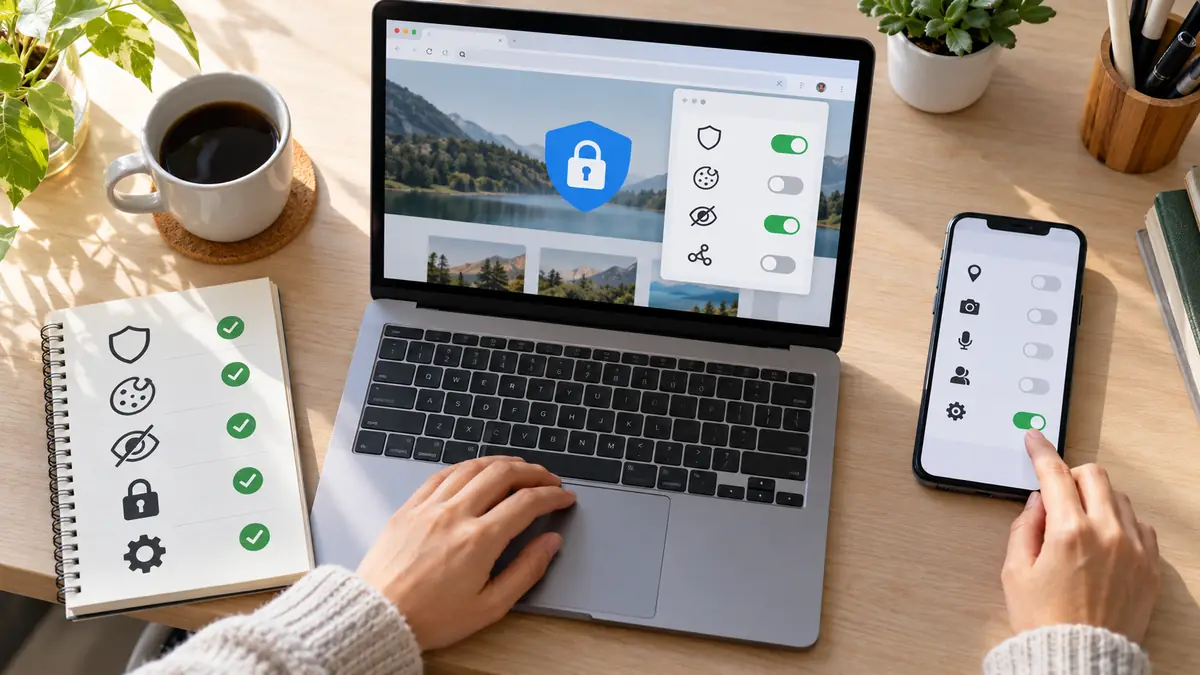
Use a browser extension built specifically to block trackers before they load, rather than relying on cookie settings alone, since fingerprinting operates independently of cookie consent entirely.
Turn off location access for apps that have no genuine functional need for it, and check this periodically, since permissions can quietly reset after updates.
Review the privacy settings worth changing on every platform, since ad personalisation and tracking permissions are frequently defaulted to on, connecting directly to how default settings share more than you realise. This tracking infrastructure is also the foundation behind how every ad you see is built from your personal data.
Worth reading further: EFF’s Cover Your Tracks tool, The Markup’s tracking investigations, and the UK Information Commissioner’s Office.
Frequently Asked Questions
Does using private or incognito browsing stop tracking completely?
No. Private browsing mainly prevents your device from saving local history. Fingerprinting and many tracking pixels can still identify and follow you, since they do not depend on stored local data at all.
Can I find out which companies are tracking me on a specific website?
Yes, using tools like The Markup’s Blacklight scanner, which checks any URL and reports the trackers, ad networks, and data collectors active on it, free of charge.
How you’re tracked online is not a background feature of the web. It is the primary business model behind most of it, and understanding how it works is the first real step to managing it.
To see how you’re tracked online in practice, install one tracker-blocking extension today, and run one site you visit often through a tracker scanner, then compare what it finds against what you expected before you looked.
If this was useful, share it with someone who needs to know.