

An ad follows you across three apps after a single search. A camera in a public square identifies your face without you noticing it. A phone left unattended for two minutes now quietly reports your location to someone you know. Who is watching you online turns out to have a specific, researchable answer.
None of these are separate stories. They are the same underlying reality, described from different angles: you are being watched, tracked, and profiled far more continuously than most people realise, by companies, governments, and sometimes people close to you.
Who is watching you online is not a paranoid question. It has a specific, researchable answer, built from cookies and pixels, data brokers, algorithmic feeds, public cameras, stalkerware, and your own public footprint.
This guide maps all six, from the tracking pixel behind a single targeted ad to the practical steps for auditing what strangers can already find about you. By the end, you will know exactly where to look for a deeper answer on whichever tactic concerns you most.
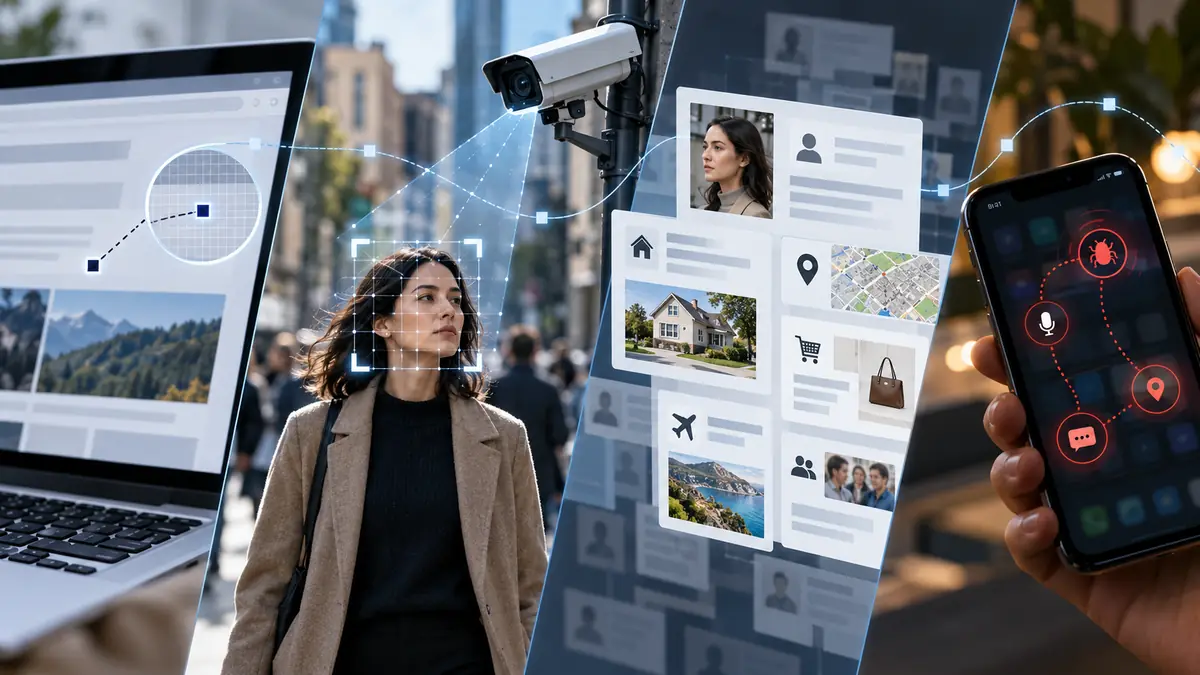
What Do All These Forms of Surveillance Have in Common?
Every tactic in this guide converts something ordinary, a click, a walk through a public square, a phone left unlocked for a moment, into data that someone else collects, stores, and often sells or acts on.
Much of this data moves through the same infrastructure regardless of who is doing the watching. A tracking pixel that feeds an advertising profile can also feed a data broker file that a government agency later purchases, and the same location signal that powers a shopping app’s geofencing can, in the wrong hands, become a tool of coercive control.
The data brokerage market was valued at 434 billion dollars in 2025, and Privacy Rights Clearinghouse mapped more than 750 registered brokers that year, the first full public accounting of an industry most people cannot name a single company from. That scale is the backdrop against which every tactic below operates.
None of these six threats sit in isolation either. The pixel that builds your advertising profile, the camera that identifies your face in public, and the stalkerware that reports your location to someone you know all draw from the same underlying willingness to treat your ordinary movements as collectible data. Once you can see one thread clearly, the rest of the picture becomes much easier to recognise.
What separates this section from a general privacy lecture is specificity. Each of the six threats below has its own mechanism, its own warning signs, and its own concrete fix, and treating them as one vague fear, “I’m being watched,” makes it much harder to act on any of them. Treating them as six distinct, addressable systems is what actually reduces your exposure.
It also helps to know that awareness itself is not the finish line. Regulators worldwide have started treating parts of this surveillance economy as a genuine consumer protection issue rather than an unavoidable cost of being online, which is part of why several of the module guides below include a regulatory action or enforcement case alongside the underlying mechanism. The rules are shifting in the direction of more disclosure, not less, even if the pace feels slow from where most people are standing today.
One distinction worth keeping in mind while reading the six sections below: some forms of surveillance here are aimed at you as one anonymous data point among millions, an advertising profile, a broker file, while others are aimed specifically at you as an individual, a facial recognition match, stalkerware installed by someone you know. The first category is addressed largely through settings and opt-outs. The second requires a different kind of response, one centred on physical safety and, where relevant, a documented protective order, not just a privacy toggle.
How Does a Single Search Turn Into Tracking Across Every App?
Cookies and tracking pixels report your activity the moment a page loads, no click required, feeding an advertising network that follows you across sites and devices through browser fingerprinting and shared logins.
78% of social media users remain unaware their data is sold to third-party brokers at all, even as the average user now shares fifteen to twenty personal data points with platforms, two to three times more than five years ago.
Browser fingerprinting compounds this further, building a signature from your device’s screen size, fonts, and time zone that identifies you even after you switch off cookies entirely, which is why clearing your browser history rarely stops the tracking on its own.
What makes this particular form of tracking so persistent is that it does not require you to do anything wrong or careless. Simply loading a page with an embedded tracking pixel is enough, which means the fix has to happen at the browser and network level rather than through more careful personal behaviour alone.
Read the full guide: Cookies, Pixels and Fingerprinting: How You’re Tracked Everywhere Online

Who Are the Companies Buying and Selling Your Profile?
Data brokers collect and resell personal information, often without any direct interaction with you at all, building profiles detailed enough to contain over five thousand data points on a single person.
The FTC’s 2026 settlement against data broker Kochava banned the sale of sensitive location data without affirmative consent, after the company was found selling visit data for addiction treatment centres and reproductive health clinics.
Psychographic targeting goes further still, inferring your beliefs and emotional tendencies rather than just your interests, which is why you can request your file from major brokers and often find inferences about your income, health, or relationship status that you never explicitly shared with anyone.
Most people never think to check what a broker holds on them precisely because there is no single place that surfaces it. Unlike a social media profile you can scroll through yourself, a broker file usually only becomes visible when you formally request it, which is exactly why so few people ever do.
Read the full guide: Data Brokers Know More About You Than You Do

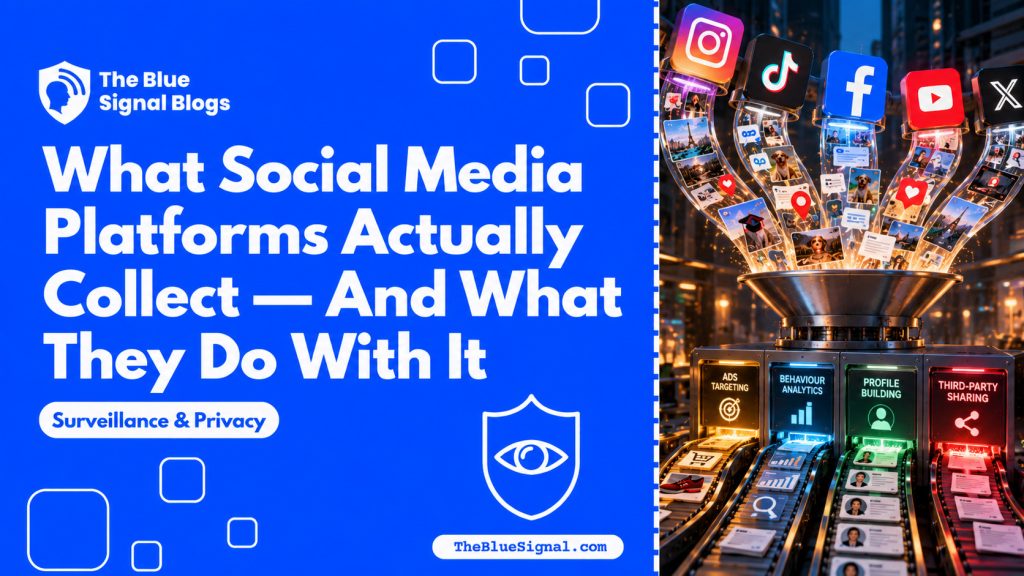
What Does Social Media Actually Collect Behind the Scenes?
Platforms track scroll speed, pause time, and even deleted message drafts, feeding an algorithm built to maximise engagement rather than genuine relevance, which is why emotionally charged content spreads faster than calm content by design.
Meta faced ongoing litigation in 2025 over collecting data from non-users entirely, through tracking pixels embedded on unrelated third-party websites.
Shadowbanning adds a quieter layer on top of collection: a platform can reduce your content’s visibility without telling you, which is why downloading your own data archive periodically is one of the few reliable ways to see what a platform actually believes about you.
Read the full guide: What Social Media Platforms Actually Collect, And What They Do With It

Are Public Cameras Just Recording, or Identifying You?
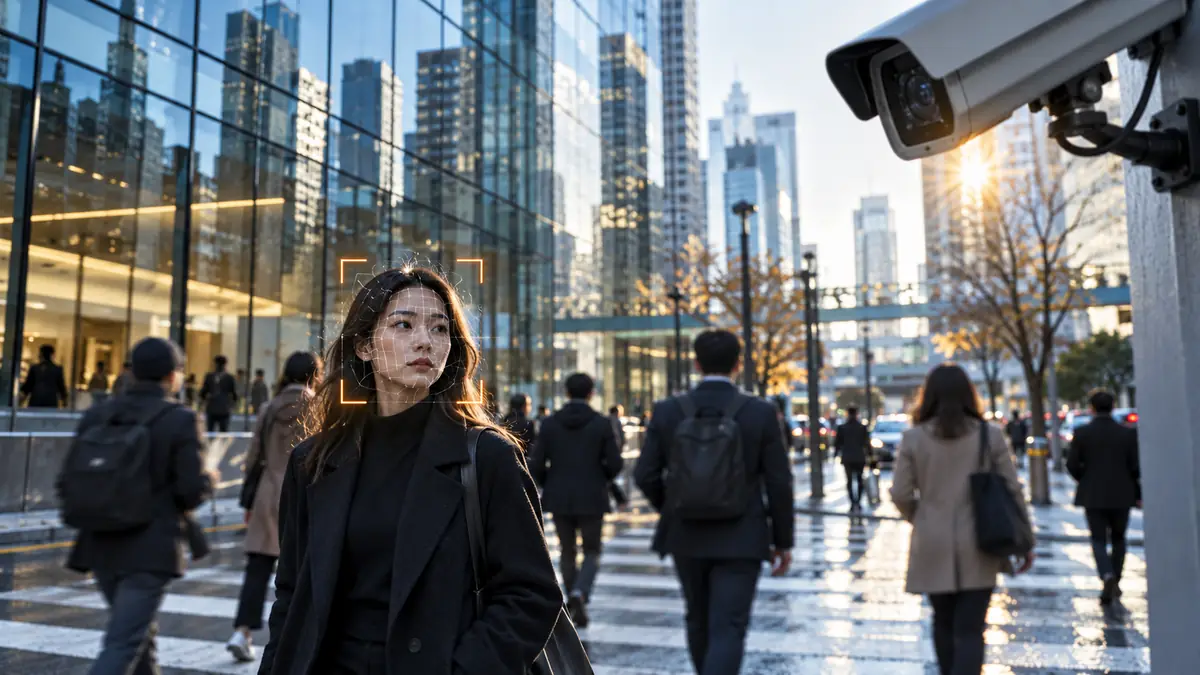
Facial recognition systems increasingly identify rather than simply record, matching biometric points against reference databases in real time, often without disclosure of where or how the matching happens.
This changes public behaviour itself, a chilling effect documented among journalists and activists first, but present in ordinary daily movement too, once people become aware their presence is being logged and matched to an identity.
Corporate surveillance infrastructure, retail cameras and building security systems, increasingly feeds the same pool of identifiable footage, sometimes shared with law enforcement through commercial agreements most citizens never see or consent to.
This is one of the few forms of surveillance in this guide that you cannot opt out of individually, since it operates on public and semi-public space rather than a device or account you control. The available response shifts from personal settings to knowing your rights and supporting stronger disclosure requirements where facial recognition is deployed.
Read the full guide: Facial Recognition and Surveillance: What the Cameras Know About You
Could Someone You Know Be Watching Your Phone Right Now?
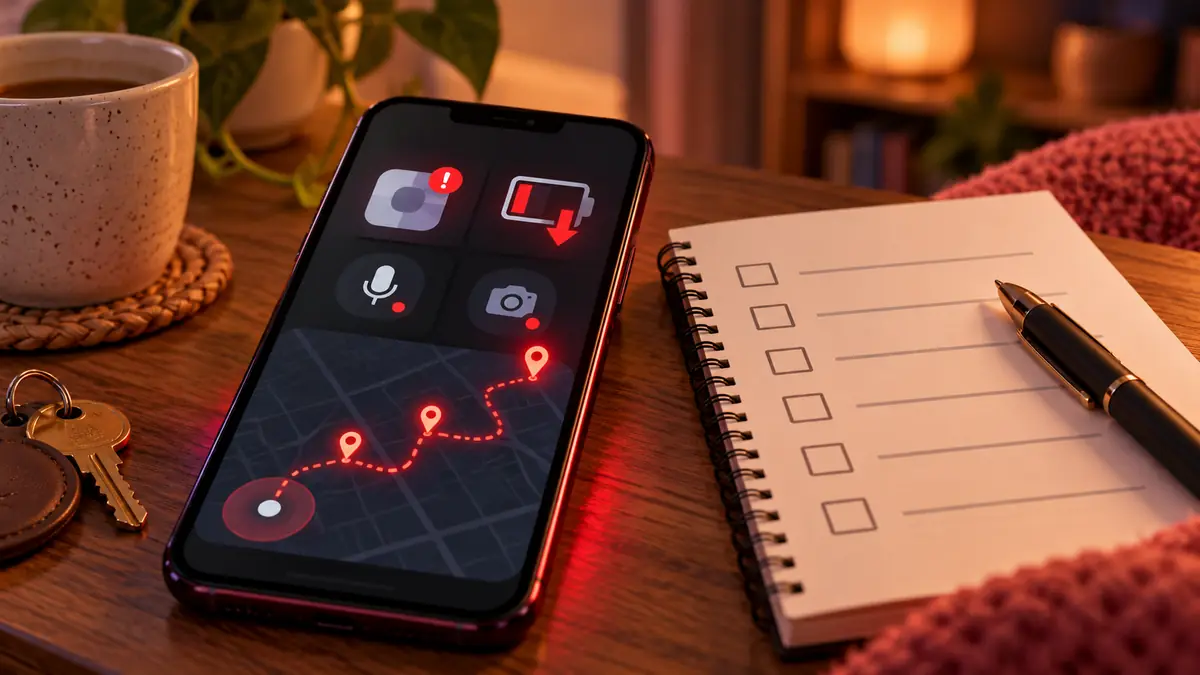
Stalkerware requires only brief physical access to install, and is overwhelmingly used by partners and ex-partners rather than strangers, with its presence strongly associated with escalating risk of physical violence.
Stalkerware use increased 228% globally between 2020 and 2024, and removing it safely requires a deliberate safety plan, not just an immediate uninstall, since abrupt removal can alert the person monitoring you.
At least twenty one stalkerware companies have themselves been hacked or leaked customer and victim data since 2017, meaning the same software installed to monitor someone can, through a separate breach, expose that person’s private information a second time.
The signs are often subtle before they become obvious: a phone that runs hot or drains faster than usual, unfamiliar permissions granted to an app you do not remember installing, or someone who consistently seems to know details about your day they should have no way of knowing. None of these alone confirms stalkerware, but together they are worth taking seriously.
Read the full guide: Stalkerware and Spyware: When Someone You Know Is Watching Your Phone
What Would a Stranger Find if They Searched Your Name Right Now?
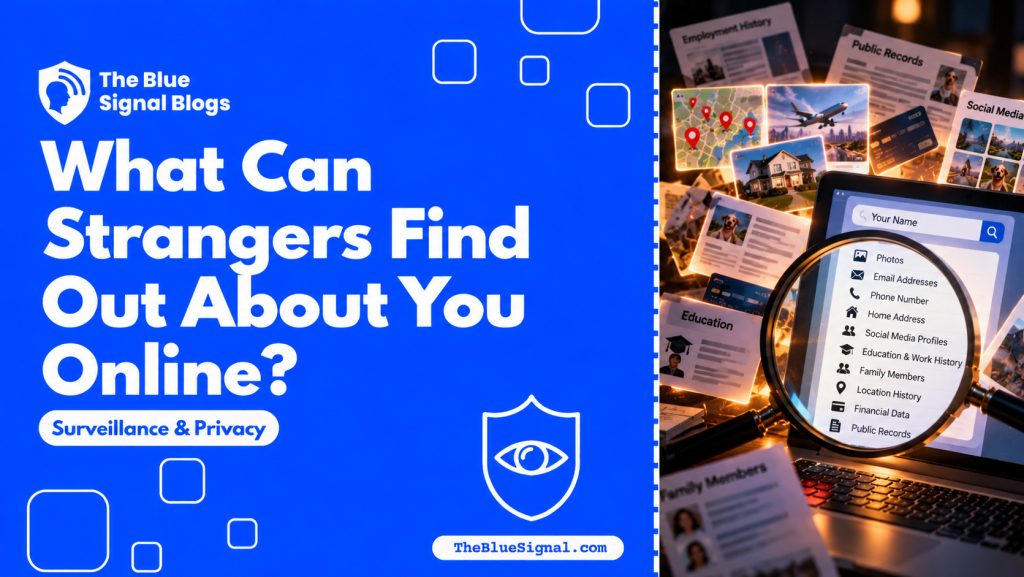
A five-minute search of your own name typically turns up old accounts, forgotten posts, and sometimes your address through public records or a people-search aggregator you never signed up for.
Have I Been Pwned lets you check breach exposure for free, and a full digital footprint audit, repeated every six months, is the most reliable way to know what is actually visible before someone else finds it first.
Property records, court filings, and people-search aggregators can connect your full legal name to a home address in minutes, regardless of how carefully you manage your social media privacy settings, which is exactly why this module is worth treating as an ongoing habit rather than a one-time check.
This module is deliberately placed last in the guide because it functions as a verification step for everything above it. Once you understand how tracking pixels, data brokers, algorithmic collection, facial recognition, and stalkerware each work, searching your own name is how you find out which of them has already reached you.
Read the full guide: What Can Strangers Find Out About You Online?

For further reading across this section, EFF’s Surveillance Self-Defense guide, The Markup’s tracking investigations, Privacy Rights Clearinghouse each offer additional depth.
Frequently Asked Questions
Is it possible to stop being tracked online completely?
Not entirely, given how deeply tracking is embedded in the infrastructure of the web, but you can meaningfully reduce it through tracker-blocking tools, careful permission audits, and periodic data broker opt-outs.
Where should I start if all of this feels overwhelming?
Start with whichever tactic in this guide felt most personally relevant while reading it. A single completed action, one opt-out, one password change, one safety check, is more valuable than trying to address all six at once.
Does surveillance only come from large companies and governments?
No. Some of the most immediately dangerous surveillance in this guide, stalkerware in particular, comes from people close to you rather than distant institutions, which is why safety planning matters as much as technical settings.
Every form of surveillance in this guide shares the same underlying pattern: something ordinary about your life becomes data someone else collects, and often profits from, usually without your informed awareness.
Seeing that pattern clearly does not mean disappearing from the internet. It means knowing exactly what is being collected, by whom, so you can decide deliberately what to do about it.
The mindset shift that actually matters here is treating your data trail the way you would treat your physical security, something you check periodically rather than something you either fully solve or ignore entirely. Nobody eliminates every risk in their home once and never thinks about it again, and the same realistic standard applies here.
Start with whichever module in this guide matched something you recognised, and read that one next. A single completed action this week, checking your Have I Been Pwned status, opting out of one data broker, reviewing one app’s permissions, moves you further than trying to absorb all six threats at once and acting on none of them.
If this was useful, share it with someone who needs to know.


6 comments
Comments are closed.