

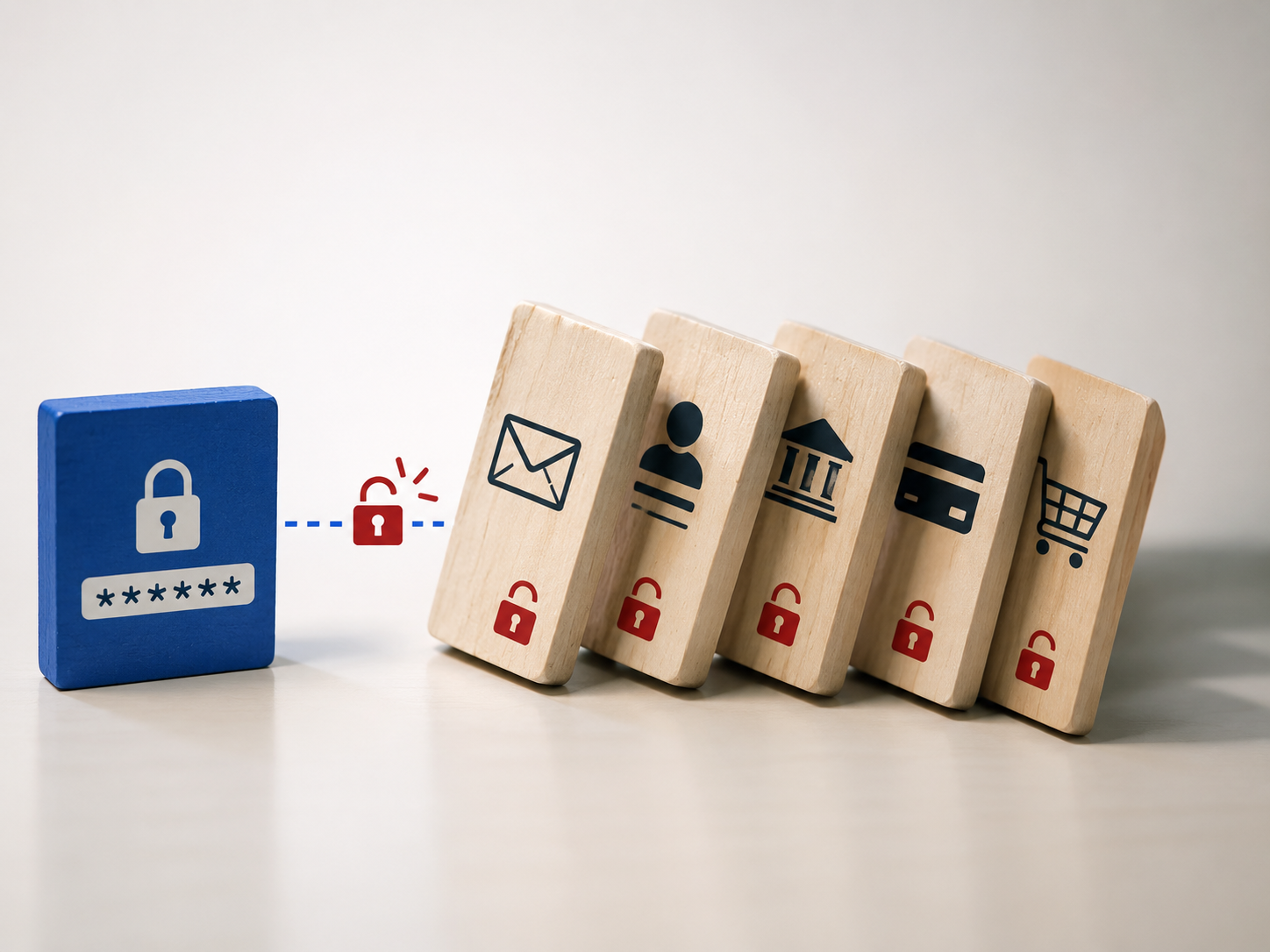
Password reuse is the reason someone can use the same password for their email, their bank, and a shopping site, and lose access to all three the moment just one of them gets breached.
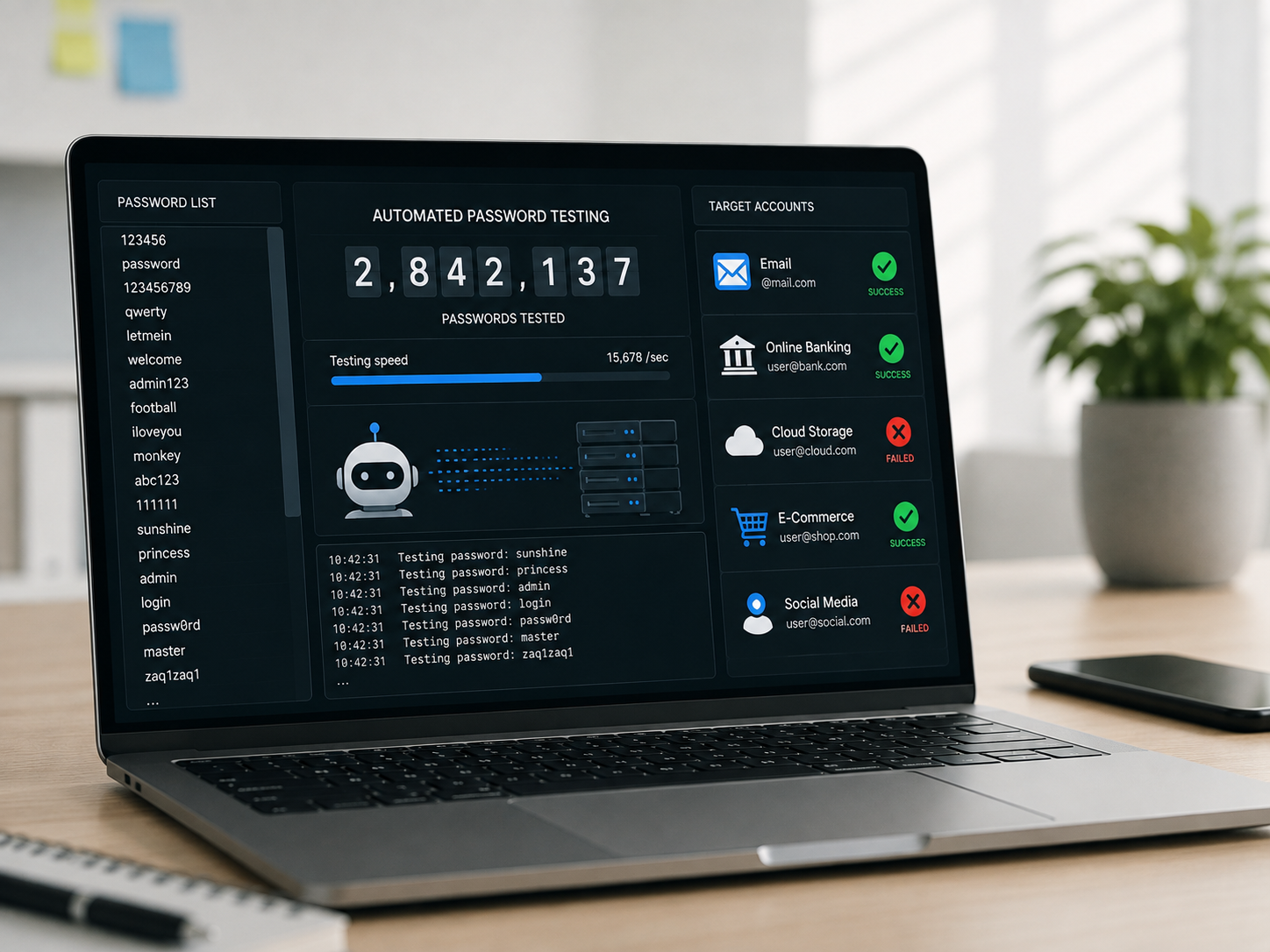
The shopping site gets hacked. The password leaks. Within hours, the same password is tried against major email and banking platforms automatically, by software built specifically for this.
Nobody needs to guess your password when you have already reused it somewhere else.
This post covers why weak passwords are so easy to crack, what the domino effect of password reuse actually looks like across accounts, what account takeover looks like from the victim’s side, and what two-factor authentication actually does and how to set it up. It is part of our wider guide to what hackers actually want from you.
Why Are Weak Passwords So Easy to Crack?
A short password built from a common word, a birthday, or a predictable pattern can be cracked by automated software in minutes, sometimes seconds, using nothing more sophisticated than a list of common passwords tried at speed.
This is not a targeted attack against you specifically. It is a broad, automated sweep tried against millions of accounts simultaneously, and any weak password simply loses that lottery faster than a strong one.
A study of 19 billion leaked passwords found that 94 percent had been reused or duplicated across multiple accounts, and stolen credentials were the initial access point in 22 percent of all confirmed data breaches in 2025, according to the Verizon 2025 Data Breach Investigations Report.
That 94 percent figure is worth sitting with. It means the exception is someone with a genuinely unique password for every account, not the person who reuses one occasionally.
None of this requires the attacker to know anything specific about you personally. They only need one weak or reused password to find its way into a leaked list somewhere.
A password that would take a computer centuries to guess through brute force can still be found instantly if it already sits in a leaked list from an unrelated breach years earlier.
What Is the Domino Effect of Password Reuse?
In March 2025, several major Australian retirement funds, including AustralianSuper, Rest Super, Hostplus, and Australian Retirement Trust, were hit by coordinated credential stuffing attacks over a single weekend, using passwords leaked from entirely unrelated platforms.
AustralianSuper alone had roughly AUD 500,000 stolen from member accounts before the attack was even detected, a direct result of password reuse rather than any weakness in the funds’ own systems.
This same mechanism plays out constantly against Indian bank accounts and UPI-linked apps, a password leaked from one unrelated site tried automatically against banking logins until one combination happens to work.
This connects closely to the identity theft pattern covered in more depth in our guide to your personal information is worth real money, here’s who wants it, since a compromised login is often the fastest route into a complete identity profile.
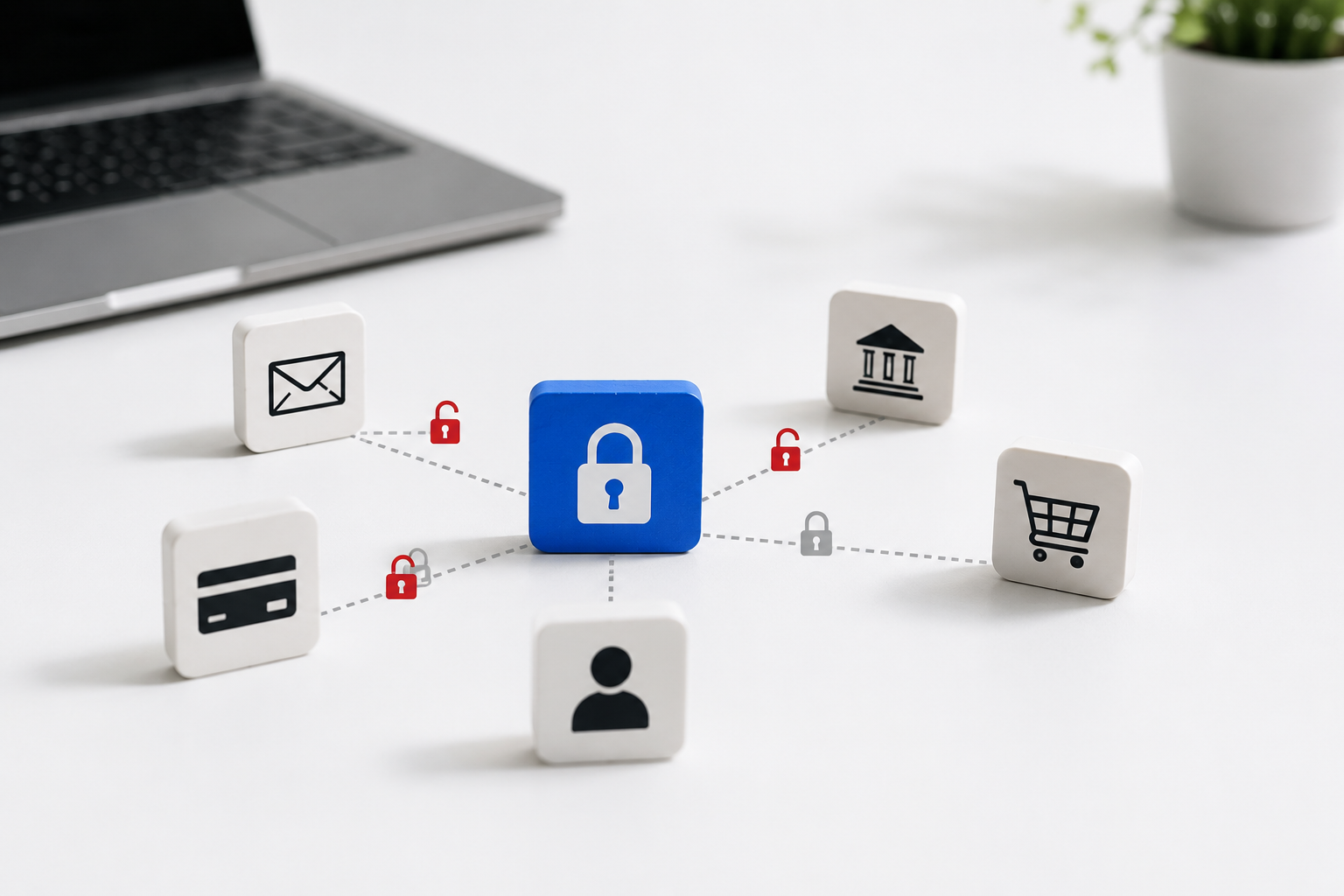
Once one account falls, an attacker typically checks whether the same credentials unlock email next, since email access alone is often enough to reset every other password you own.
This is why security professionals treat your primary email account as the single most important login you have, more important, in practice, than the bank account it can be used to reset.
What Does Account Takeover Look Like From the Victim’s Side?
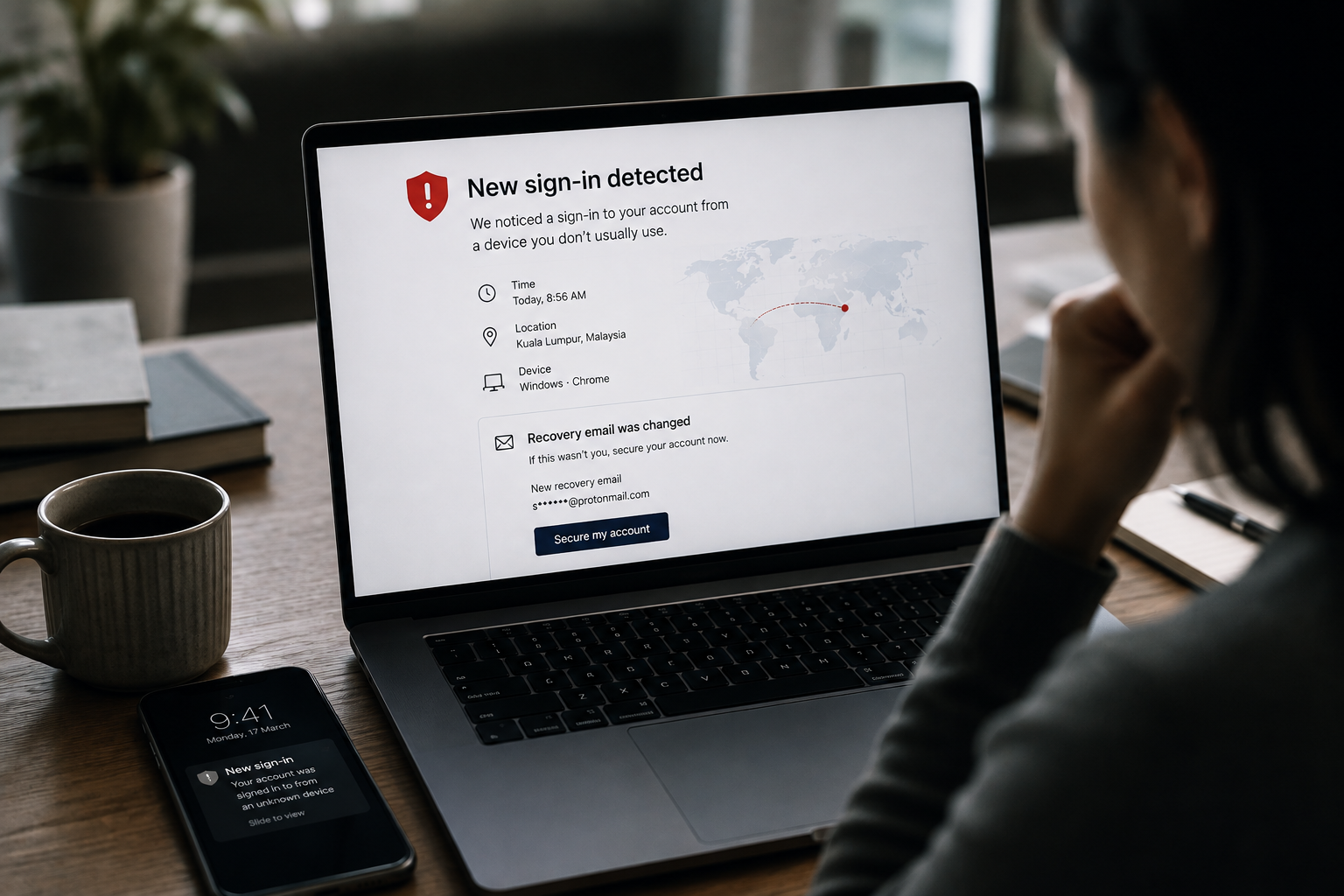
The first sign is often small, a password reset email you did not request, a login notification from an unfamiliar location, or a message sent from your own account that you never wrote.
By the time most people notice, the attacker has often already changed the recovery email or phone number, locking the real owner out while quietly maintaining their own access.
This connects to the SIM-based version of the same attack covered in more depth in our guide to how criminals take over your phone number through SIM swap attacks, since a hijacked phone number can bypass password protection entirely.
If you notice any of these signs, our step-by-step guide to exactly what to do when your account was hacked walks through the first hour in detail.
Recovery options meant to help you back into an account can themselves become a weakness, since a security question with a guessable answer offers an attacker a second route in even after a password is changed.
A recovery question built around a pet’s name or a school you attended is often easy to find on a public social media profile, which quietly defeats the entire purpose of having one.
What Does Two-Factor Authentication Actually Do, and How Do You Set It Up?
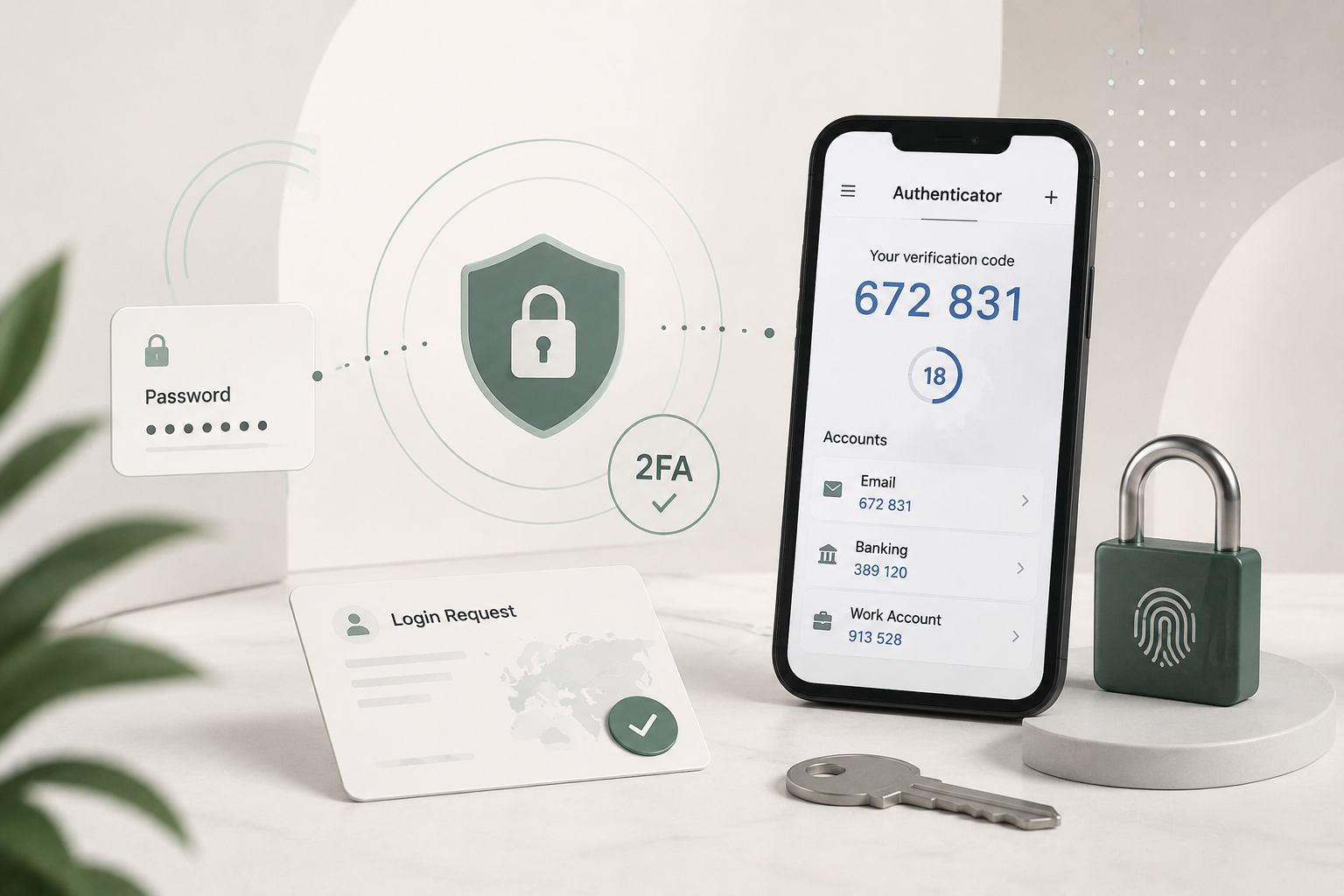
Two-factor authentication requires a second proof of identity beyond your password, typically a code from an authenticator app, which means a stolen password alone is no longer enough to get in.
An authenticator app is meaningfully stronger than an SMS code, since a text message can be intercepted through a SIM swap while an app installed on your specific device generally cannot.
Most major platforms let you turn this on inside account security settings in under five minutes, and the protection it adds is disproportionate to the small amount of effort required.
Biometric authentication, fingerprint or face unlock, adds a further layer worth knowing about, though it is not the focus of this post and carries its own emerging risks worth researching separately as the technology develops.
Have I Been Pwned, a free tool built by security researcher Troy Hunt, lets you check whether your email or password has already appeared in a known breach in under a minute.
Setting up a free password manager today, such as Bitwarden or Proton Pass, solves the reuse problem completely by generating and storing a unique password for every account automatically, a habit covered in more depth in our guide to how to set up a password manager and why you should do it today.
If you believe your credentials have already been used fraudulently, report it as soon as possible through India’s National Cyber Crime Reporting Portal or the 1930 helpline.
Frequently Asked Questions
Is an SMS code as secure as an authenticator app for two-factor authentication?
Not quite. An SMS code can be intercepted through a SIM swap attack, while an authenticator app tied to your specific device is generally much harder to bypass.
How do I know if I have been reusing the same password across accounts?
A password manager can scan your saved logins and flag every duplicate instantly, which is usually the fastest way to find out how widespread the problem actually is.
What should I do first if I suspect my account has already been taken over?
Change the password immediately from a different, secure device, enable two-factor authentication, and check whether the recovery email or phone number has been altered.
What This Comes Down To
One reused password is all it takes. The chain reaction of account takeover happens faster than most people realise, but a password manager and two-factor login break it completely.
The one habit that helps most: set up a free password manager today and turn on two-factor authentication for your email account first, since email is usually the key that unlocks everything else.
If this was useful, share it with someone who needs to know.


1 comment
Comments are closed.