
You decide to finally turn off ad tracking, or delete your account, or switch off location sharing. Twenty minutes later you are still tapping through menus, and you still have not found it. Hidden privacy settings are not an accident of bad design, and finding them is rarely as simple as it should be.
Meanwhile, the setting that benefits the app, more notifications, more sharing, more data collection, sat on the very first screen you opened.
This is not a coincidence across dozens of unrelated apps. Hidden privacy settings are placed deep by design, while the settings a company wants you to keep switched on stay visible and easy to reach.
This post explains how that burying happens, why it is consistent across platforms that otherwise look nothing alike, and how to actually find the controls that matter to you. This is part of the wider picture covered in the full guide to dark patterns.
How Do Apps Actually Bury the Settings You Need?
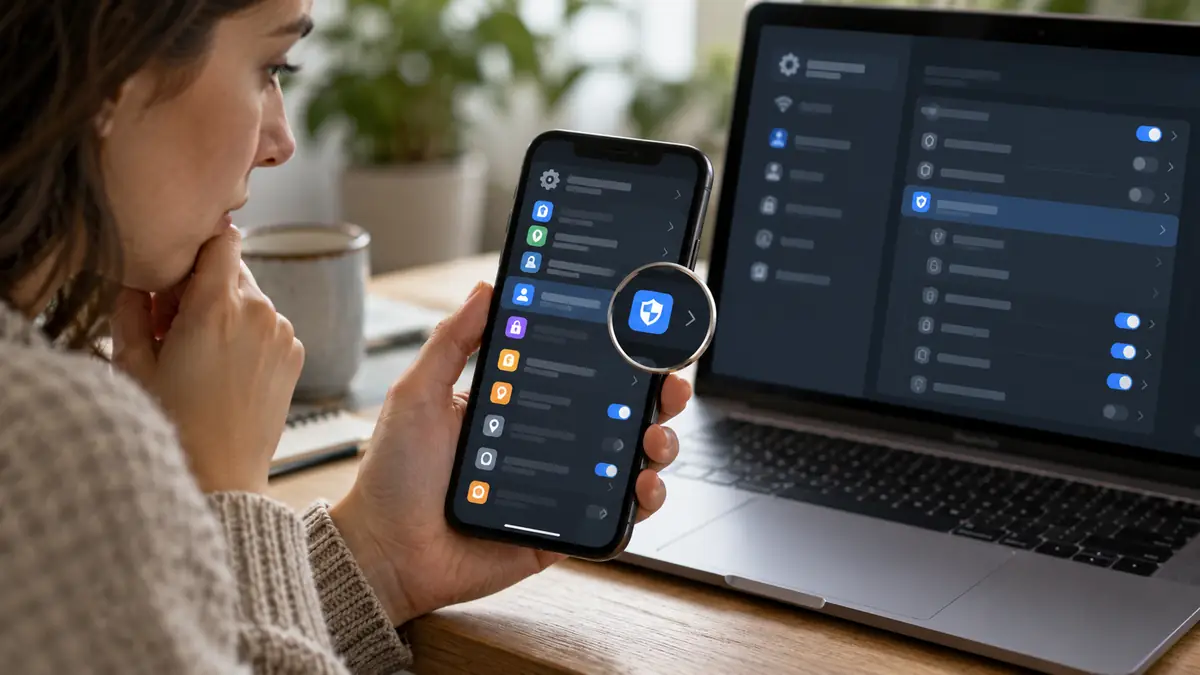
A 2025 audit of major platform privacy controls, conducted by Incogni, found that none of the fifteen most popular social platforms made privacy settings genuinely accessible without significant effort. The most protective options were consistently buried five to seven menus deep.
Interfaces are cluttered deliberately in places where clutter serves the company. A settings screen might list twenty options related to appearance, notifications, and account preferences, with the one genuinely important privacy toggle placed among them with no more visual weight than the colour theme selector next to it.
Button placement and labelling add another layer. A control might be labelled “Ad preferences” instead of “Stop sharing my data with advertisers,” a technically accurate label that most people would never think to click when searching for a way to limit tracking.
Search functions inside settings menus, when they exist at all, frequently fail to surface the exact setting a person is looking for, returning unrelated results or nothing at all for a reasonably worded query. This is not always deliberate, but it has the same practical effect as burying the control manually, since a broken search simply pushes a frustrated user back toward tapping through menus one by one.
Renaming a setting between versions adds a further, quieter layer of friction. A control you finally located and understood can reappear under an entirely different label after an update, forcing you to relearn where it lives even though nothing about what it does has actually changed.

Why Is This Pattern So Consistent Across Different Apps?
Every extra menu a person has to click through reduces the number of people who complete the task. Companies know this because they test it directly, the same way consent manipulation and cookie banners are tested for the version that produces the most agreement.
Data collection generates revenue. A setting that stops that collection, once it is found and switched off, directly reduces what a platform can sell or use for ad targeting. There is a structural incentive to make that particular setting harder to reach than a setting with no revenue implication.
The Identity Theft Resource Center found that 70% of data breach notices in 2025 omitted meaningful detail about what information was actually taken, leaving people unable to act specifically because the disclosure itself was written to obscure rather than clarify. The same instinct toward obscurity shows up throughout ordinary settings menus, not just in breach notices.
Redesigns and app updates compound this problem further, since a setting a user finally located can move to a completely different menu after the next update, effectively resetting the search process from scratch. Whether this is a genuine side effect of redesign work or a subtler form of the same friction engineering is often impossible to tell from the outside, but the practical cost to the user is the same either way.
A 2025 investigation by researchers studying dozens of major apps found that the average number of taps required to reach a genuinely protective privacy setting was more than double the number required to reach a setting that increased data sharing, a gap consistent enough across unrelated products to rule out coincidence.

What Are the Signs a Setting Has Been Deliberately Buried?
A control that requires more than two or three taps from the main settings screen is worth extra suspicion, especially if a related but less protective option sits on the very first screen.
Vague labelling is another signal. “Manage my experience” or “Personalisation” rarely tells you what the setting actually controls until you tap in and read the fine print underneath it.
Notice which settings come with a confirmation step and which do not. Turning tracking on is often instant. Turning it off frequently triggers an extra warning screen, a “you’ll miss out on” message, or a second confirmation tap that the opposite action never required.
Notice too whether a setting change is described honestly. Some interfaces frame turning off a protective feature as a “downgrade” or describe the current, less private state using warmer, friendlier language than the alternative, a subtle framing nudge on top of the structural burying already at work.
The inconsistency between a platform’s mobile app and its desktop site is another signal worth checking. A setting that is easy to find on one version is sometimes absent entirely from the other, which forces anyone genuinely trying to manage their privacy to check both surfaces separately rather than trusting that a single change covers every way they access the service.
How Do You Actually Find and Fix These Settings?
Search the app’s help centre or a trusted independent guide for the exact setting name before hunting through menus manually. Organisations like the Privacy Rights Clearinghouse maintain platform-specific guides that map exactly where each buried control lives.
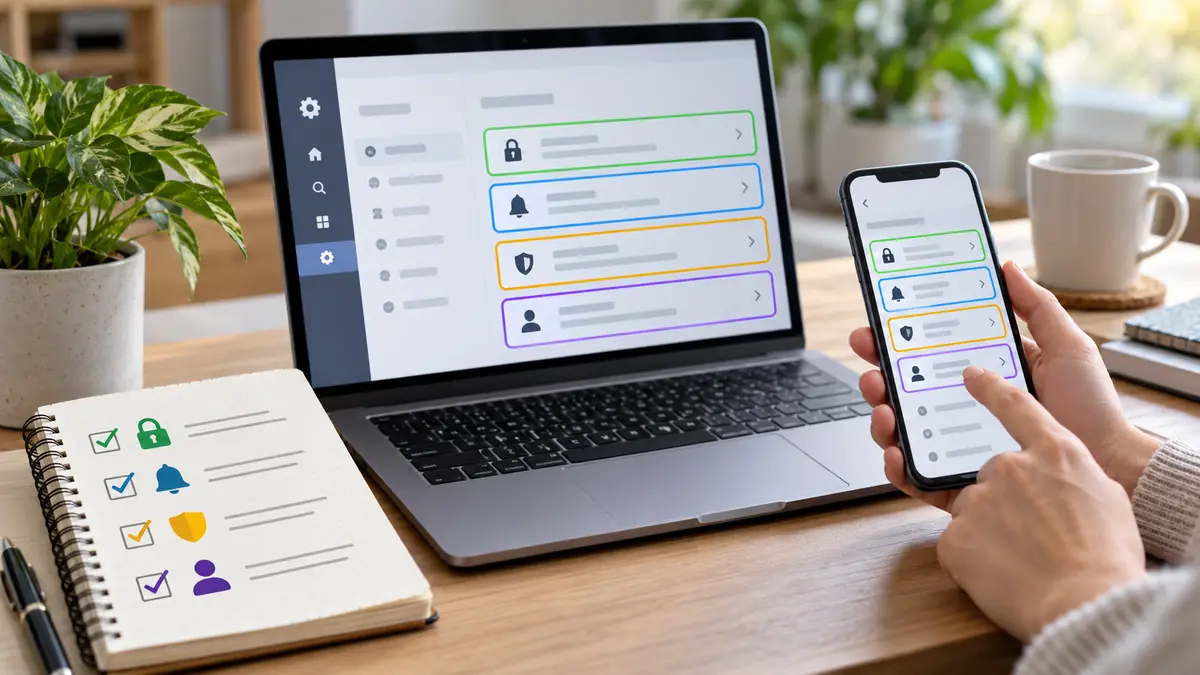
Set aside fifteen minutes every few months specifically to audit settings on the two or three apps you use most. Treat it the way you would treat checking a bank statement, a routine task rather than something you only do after a problem.
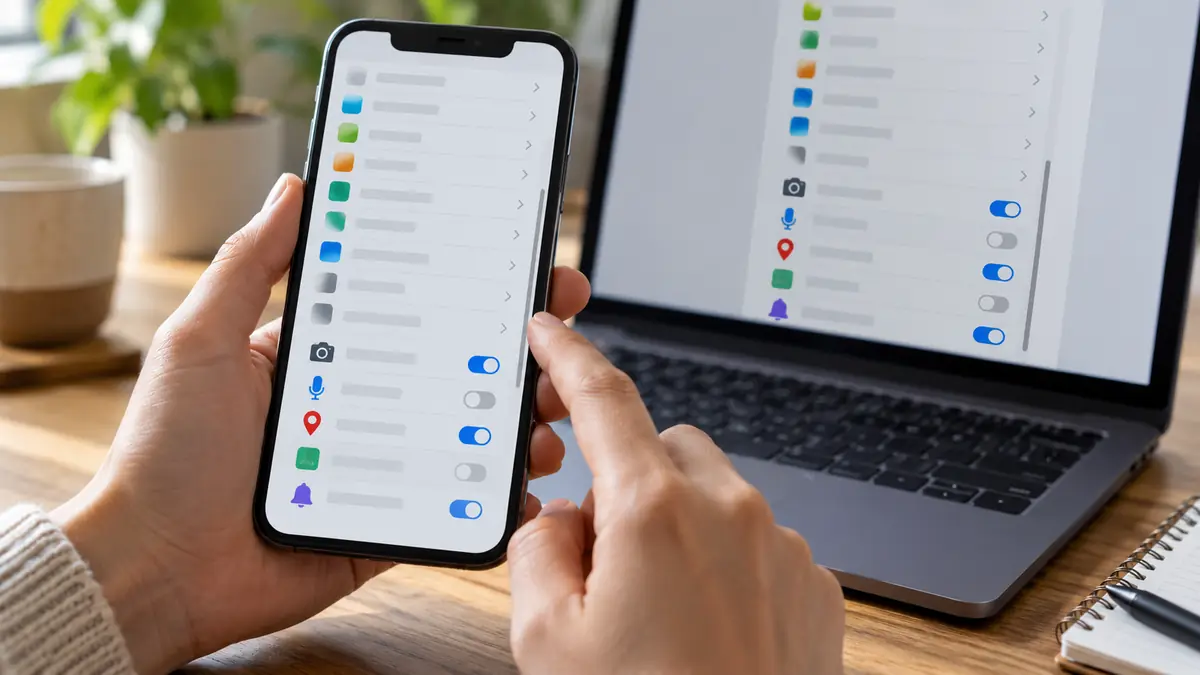
Use your device’s own privacy dashboard where available. Both major mobile operating systems now include a centralised permissions view that shows what an app can access, which is often faster and more transparent than digging through the app’s own settings menu.
This kind of deliberate obfuscation is closely related to how app design keeps you emotionally engaged and to the default settings your apps quietly rely on. Once you know a setting exists somewhere, the actual fix usually takes less than a minute.
These resources go deeper on this topic: EFF’s Surveillance Self-Defense guide, the UK Information Commissioner’s Office, and the Deceptive Design pattern library.
The hidden privacy settings you need are not missing. They are buried, and buried on purpose, five or six menus deeper than the setting the company wants you to find first.
Pick one app today and spend the fifteen minutes finding the hidden privacy settings behind its real controls. You will likely be surprised by what was already switched on without your knowledge, and by how much faster the same search felt the second time you tried it.
If this was useful, share it with someone who needs to know.