

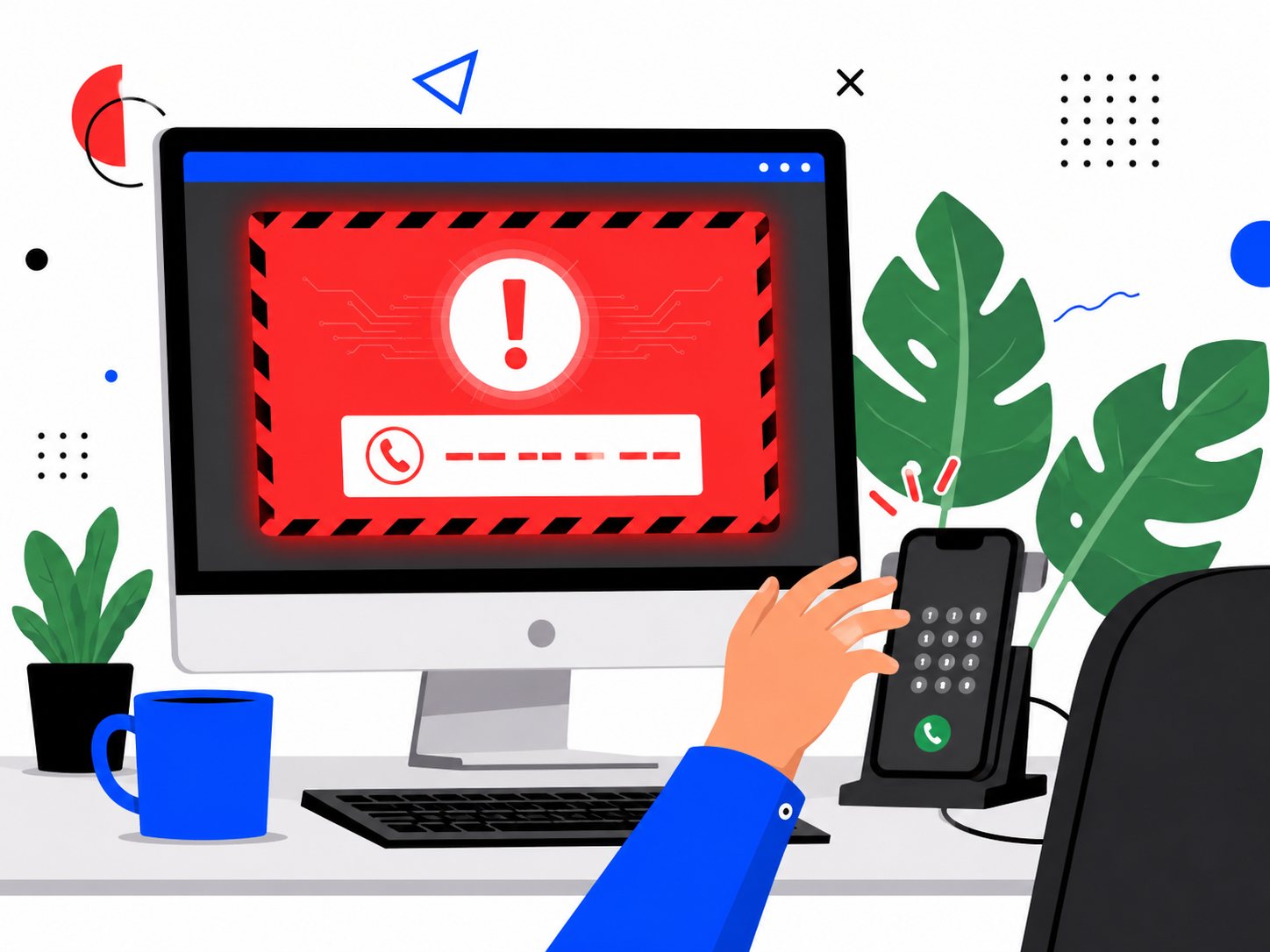
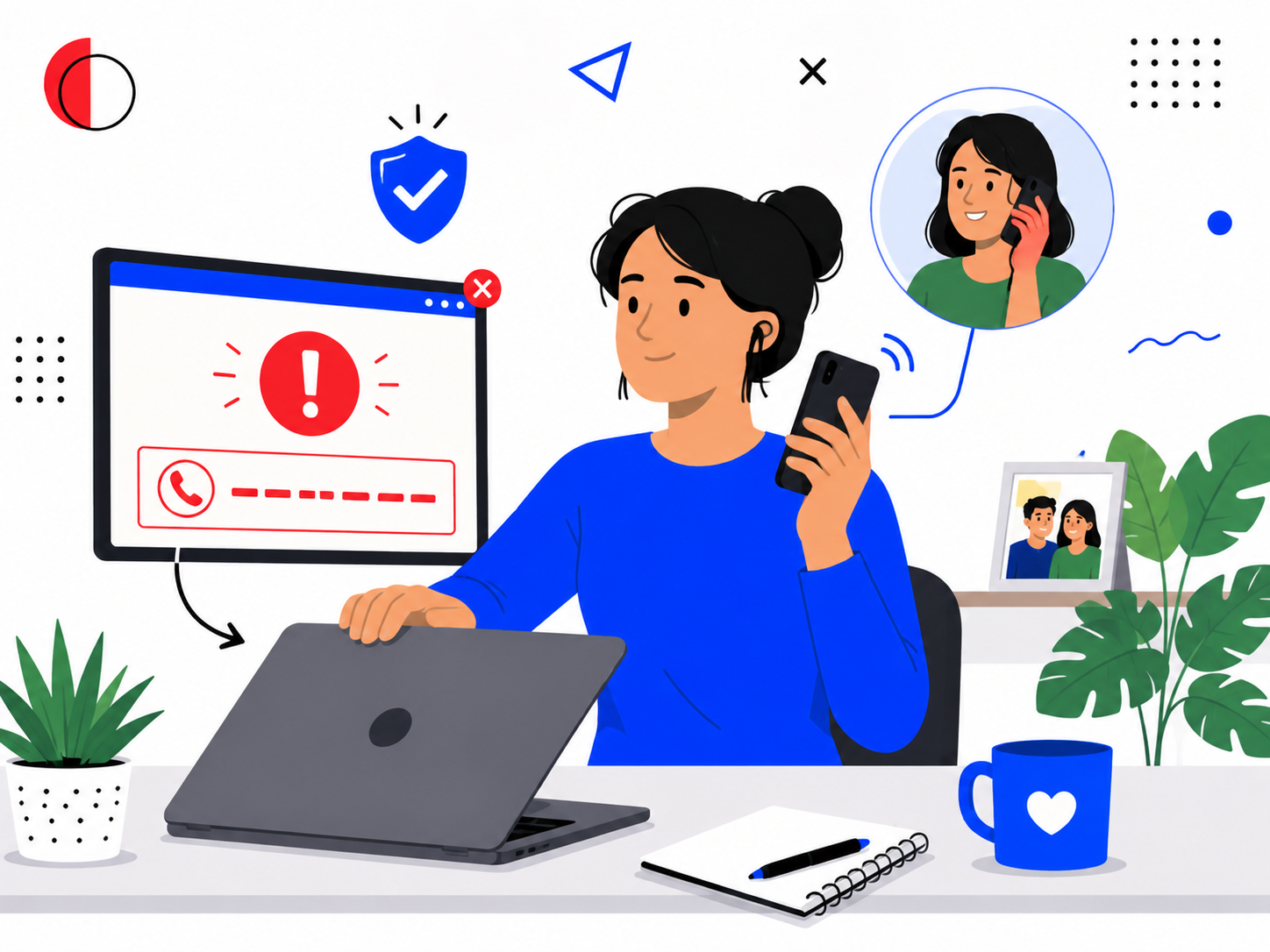
Learned helplessness scams usually start with something small and alarming. A pop-up fills your screen, claiming your device has a virus, in red letters, with a countdown ticking underneath.
You do not know what any of it means. You just know it looks serious, and you do not want to make it worse.
So you call the number on the screen, because it is right there, and because calling feels like the responsible thing to do.
That call connects you directly to the person who created the warning in the first place.
Learned helplessness scams rely on exactly that moment, the one where not understanding something becomes the reason you hand over control of it. It builds on the wider pattern in our guide to how scammers manipulate people.
Tech support scams cost Americans 1.464 billion dollars in 2025, an 87 percent rise since 2022, according to the FBI’s Internet Crime Complaint Center. People over 60 accounted for the majority of both victims and losses. On their own, seniors reported 1 billion dollars in losses that year, the second-largest fraud category for that age group.
This post explains what learned helplessness actually is, and how scammers use technology overwhelm against you on purpose. It also covers why elderly and non-technical users get targeted so specifically, and how to build the kind of digital confidence that closes this gap for good.
How Do Learned Helplessness Scams Actually Work?
Learned helplessness is what happens when someone stops trying to solve a problem because past attempts felt confusing, embarrassing or pointless.
It does not require a single bad experience. It builds slowly, through small moments of not understanding a setting, a warning, or an update, until the whole subject starts to feel unmanageable.
Once that feeling sets in, a person becomes far more likely to accept help from whoever offers it first, without checking whether that help is genuine.
Learned helplessness scams are built entirely around that handover. The scammer does not need to be convincing about the technical details. They only need to arrive at the exact moment someone has already decided they cannot handle this alone.
This is why the same pop-up can fool a retired schoolteacher and a working professional alike. The warning does not target technical knowledge. It targets the feeling of not having any.
These attacks are specifically designed to remove the one thing that would otherwise stop them: a person pausing long enough to ask whether the warning makes sense.
How Does Tech Overwhelm Become a Manipulation Tool?
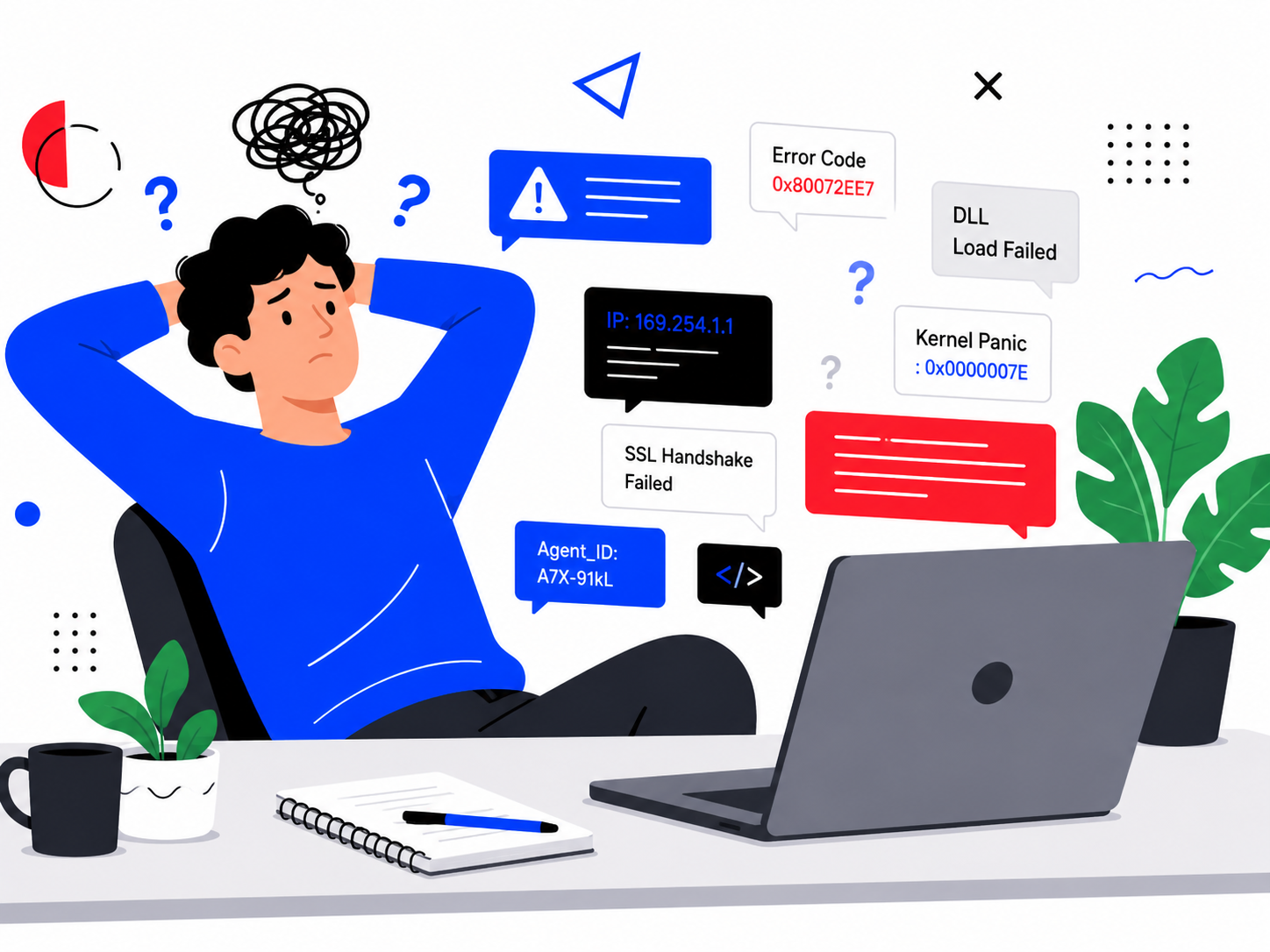
Confusion is not always an accident. Scammers manufacture some of it on purpose, because a confused person is easier to guide than a calm one.
A fake warning dense with technical language, error codes and urgent formatting is not trying to inform you. It is trying to overwhelm you fast enough that calling the number feels like the only option left.
The specific words rarely matter. “Trojan detected,” “IP address compromised,” and “critical system failure” all sound serious enough that you stop trying to understand and start looking for someone else to understand it for you.
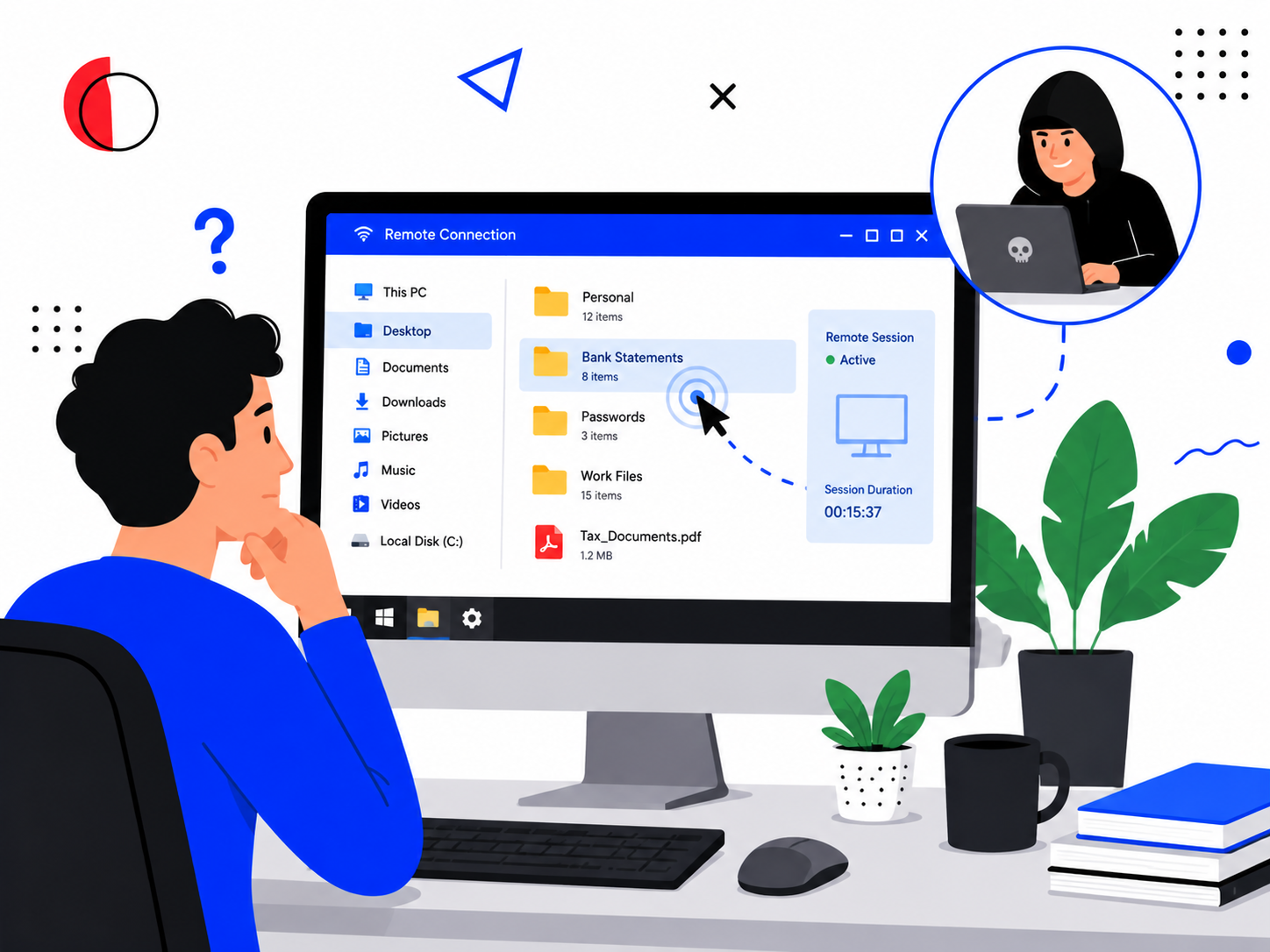
Once you call, the scammer keeps that overwhelm going. They ask you to install remote access software, then walk you through screens quickly while narrating a fix for a problem that was never actually there.
Our guide to fake virus warnings and tech support scams covers exactly what these calls look like from the moment they start.
Why Are Elderly and Non-Technical Users Targeted So Specifically?
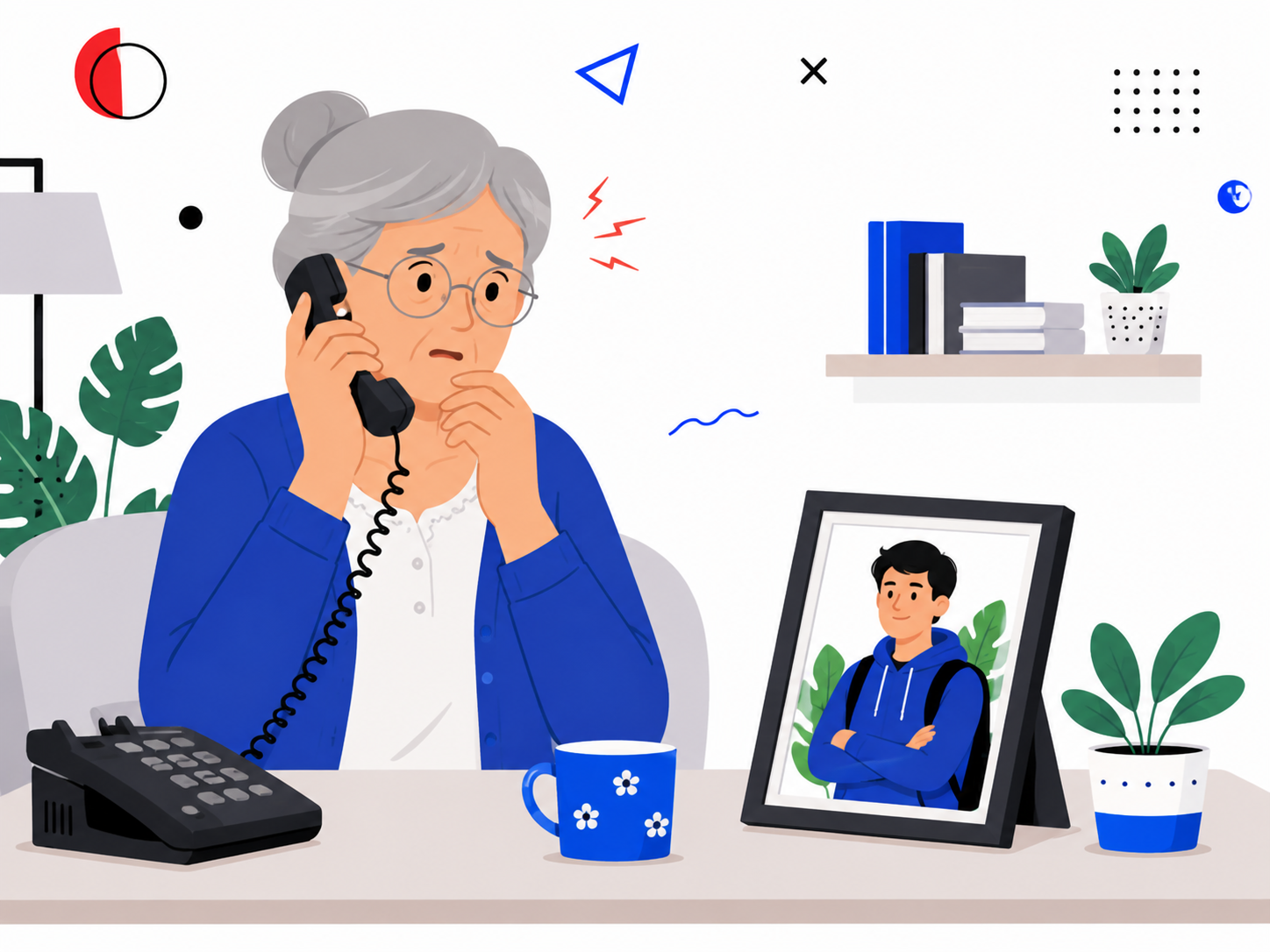
Anyone can experience learned helplessness around technology, but some groups get targeted precisely because the feeling runs deeper for them.
Older adults did not grow up with constant software updates and changing interfaces. The ground keeps shifting under a subject many of them were never taught properly in the first place.
That is not a lack of intelligence. It is the predictable result of a technology landscape that keeps changing faster than anyone has time to relearn it.
Scammers know this, and they specifically target seniors, non-native speakers and people who have recently lost a partner who used to handle the technology for both of them.
Our guide to why scammers target seniors, children and immigrants explains the wider pattern behind this kind of targeting in more depth.
Scammers also work to create dependence deliberately, positioning themselves as the one person who can explain things simply. The target starts calling them first, before family, before a genuine support line, before anyone who might question the story.
Post-breach paralysis makes this worse. Someone who fell for one of these tactics once often feels too embarrassed or too overwhelmed to report it. That silence leaves them exposed to the exact same tactic again from a different caller.
How Do You Build the Digital Confidence That Stops This?
Confusion is not a personal failure. It is a condition scammers deliberately create and then offer to solve.
Recognising that the confusion itself is part of the attack is the first step out of learned helplessness scams entirely.
If a device warning appears telling you to call a number, do not call it. Close the browser, restart the device, and call someone you trust to help you check whether anything is actually wrong.
Genuine security software never asks you to call a phone number from a pop-up. That single fact alone rules out almost every version of this scam.
If you already called a number like this and let someone access your device, disconnect from the internet, change your passwords from a separate device, and report it. The AARP Fraud Watch Network has a dedicated helpline and plain-language guidance built for exactly this situation. The FBI’s Internet Crime Complaint Center tracks the same pattern across the US.
In India, report it through the National Cyber Crime Reporting Portal or the 1930 helpline. If you already fell for a scam like this and someone contacts you offering to “recover” the money for a fee, treat that as a second attempt, not a rescue. Our guide to how recovery scams target people who already lost money covers exactly this pattern.
Frequently Asked Questions
What should I do if a pop-up tells me to call a number about a virus?
Do not call it. Close the browser window, or restart your device if the warning will not close, then ask someone you trust to check with you.
Genuine security companies do not put their support number inside an urgent pop-up warning.
Is it normal to feel too embarrassed to tell anyone I fell for a tech support scam?
Yes, and that reaction is common. Staying quiet about it, though, makes scammers more likely to target you again.
Telling someone you trust, or reporting it, is what actually closes the door on further contact.
Why do these scams keep working on people who consider themselves careful?
Because learned helplessness scams do not target carelessness. They target the specific moment anyone loses confidence in their own judgement, which can happen to a careful person too.
Treating that loss of confidence as the actual warning sign, rather than the technical claim itself, catches far more of these attempts.
What This Comes Down To
Learned helplessness scams work by convincing you that not understanding something means you are not capable of handling it.
Scammers manufacture that feeling on purpose. It is not true, and recognising that is what breaks the pattern.
One habit changes the outcome. The next time a warning tells you to call a number right now, close it instead, and bring in someone you trust before you do anything else.
If this was useful, share it with someone who needs to know.


1 comment
Comments are closed.