

You picked up your phone to check one notification. An hour later you are still scrolling, and you genuinely could not tell someone where the time went. That is infinite scroll design working exactly as intended.
That is not a lapse in willpower. It is infinite scroll design working exactly as intended, alongside autoplay, to remove every natural place where you might have stopped.
Books have a last page. Newspapers have a back cover. Feeds do not, and that absence is not a technical limitation. It was a deliberate choice.
This post walks through how infinite scroll and autoplay were built, why they erase your sense of time passing, and how to put real stopping points back into your own use. This connects to the broader guide on the full guide to dark patterns.
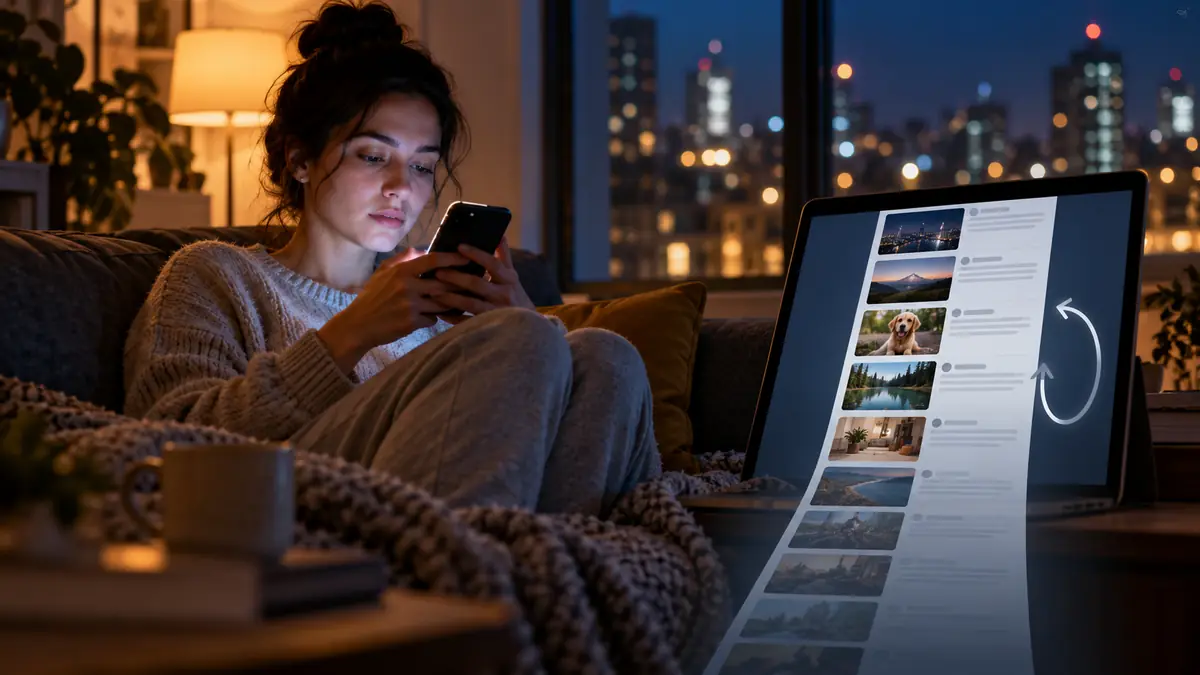
How Does a Feed With No End Actually Work?
Older websites used pagination: page one, page two, a “next” button you had to consciously click. That button was a stopping point. It gave you a moment to ask whether you wanted to continue.
Infinite scroll removed the button and replaced it with content that loads automatically as you approach the bottom of the screen. There is no page two to decide about, because there is no visible bottom at all. The feed simply continues, and the decision to stop has to come entirely from you rather than being prompted by the interface.
Autoplay extends the same logic to video. The next clip begins before you have consciously decided you want to watch it, often during the exact few seconds when you might have closed the app instead. Meta’s own internal research, cited in 2025 congressional hearings, found that removing natural stopping points on Instagram increased average session length by twenty to thirty minutes a day, a finding retained even after it was linked to increased anxiety in teenage users.
Short-form video formats push this same infinite scroll design further still, since a clip lasting fifteen to sixty seconds means dozens of autoplay transitions can occur within a single scrolling session, each one a fresh opportunity for the recommendation system to serve slightly more compelling content than the last, compounding the difficulty of choosing to stop at any single point.
The “pull to refresh” gesture common across nearly every major app borrows directly from the visual and physical mechanics of a slot machine lever, a deliberate design choice publicly acknowledged by at least one former platform designer. The brief pause between the pull and the new content loading mirrors the anticipation built into a slot machine’s spin, and it is not an accident that this gesture spread across the industry so quickly once its effectiveness became clear.
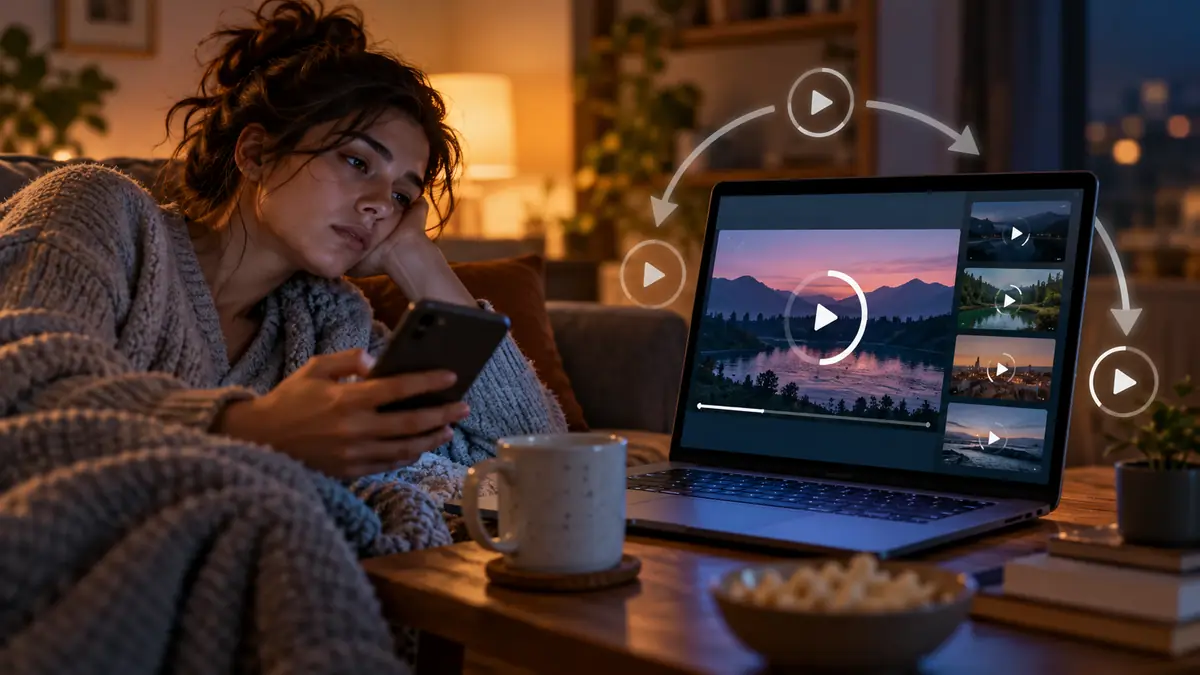
Why Does This Make You Lose Track of Time?
Time awareness depends partly on natural markers, the end of a chapter, the credits of an episode, a page number climbing toward a known total. Remove those markers and the brain has far less to work with when estimating how long you have actually spent.
Recommendation algorithms compound this by constantly adjusting what appears next based on what kept you watching a moment ago. There is no fixed playlist to finish, only a stream that reorganises itself around your attention in real time, which means there is never a natural moment where the content itself signals that you are done.
The average person now spends 6 hours and 37 minutes a day on screens, up from 6 hours and 18 minutes just a few years earlier, according to DataReportal’s Global Digital Report. Infinite scroll and autoplay are named as primary drivers of that unintended extended use, not because people set out to spend that long, but because nothing in the interface ever asked them to reconsider. Center for Humane Technology’s youth resources cover how to reclaim intentional usage from these exact features.
Retrospective time estimation, the ability to look back and accurately judge how long an activity took, relies heavily on the number of distinct memories formed during it, and a scrolling session with no clear segments to remember tends to compress in memory afterward, which is part of why an hour spent scrolling can feel, in hindsight, like a much shorter span of time than it actually was.
This effect compounds specifically at night, when reduced impulse control and tiredness combine with an interface that offers no natural exit point, which is a large part of why a quick check before bed so often stretches into an hour or more without any single deliberate decision to keep going.
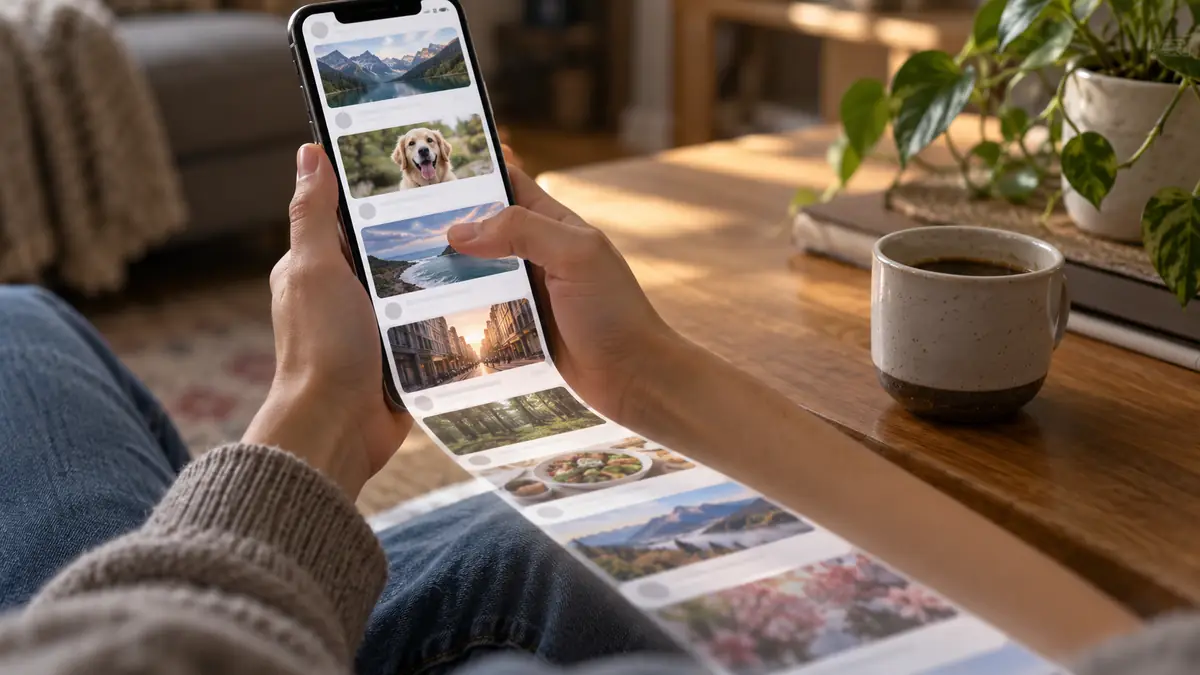
How Can You Tell When a Design Is Removing Your Stopping Points?
Notice whether you can locate a genuine end within the app itself, a “you’re all caught up” message, a finished episode list, a completed feed. Some platforms have added these as a concession to criticism. Many have not, and where they exist they are often placed less prominently than the content that keeps loading.
Pay attention to whether the next video or post begins on its own. If you did not tap anything and content is already playing, autoplay made that choice, not you.
Watch for the small window right after you finish something, a video ending, a chapter completing, where a “next” recommendation appears before you have had a moment to decide you are actually done. That window is deliberately narrow, because a longer pause gives you more room to close the app instead.

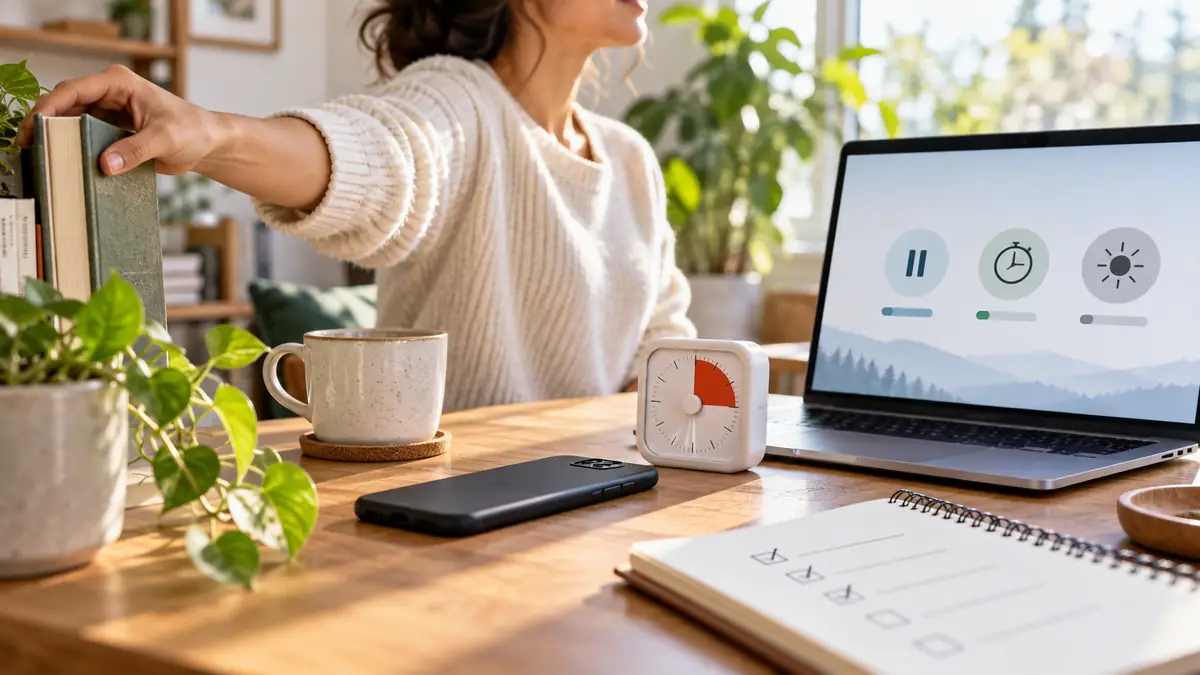
What Can You Actually Do to Restore Stopping Points?
Turn off autoplay in every app that allows it. This single setting restores the one moment where you would otherwise have to consciously choose to continue, rather than having the choice made for you by default.
Set a timer before you open a feed you know tends to swallow time. Not a phone-level app limit alone, those are easy to dismiss, but a genuine external timer that forces a physical interruption when it goes off.
Follow specific accounts or subscriptions instead of relying on an endless recommended feed. A curated list has a natural end. An algorithmic feed, by design, never does.
This same design logic underpins the wider attention economy that platforms are built around, and it connects closely to the gamification and compulsion loops used elsewhere in app design. If extended, unintentional screen time is affecting your sleep or focus, that is worth addressing directly through the real cost of never disconnecting rather than assuming it reflects a lack of discipline on your part.
For further reading, the Center for Humane Technology, the American Psychological Association, and Princeton’s Dark Patterns research each cover this topic in more depth.
There was never a bottom of the feed because the bottom was removed on purpose, and infinite scroll design decisions like this one are made to increase your time on the platform.
Turn off autoplay today. It is a small setting, and it is the single fastest way to put a real stopping point back where one used to exist before the feed removed it entirely and replaced it with an ending you have to build back in yourself.
If this was useful, share it with someone who needs to know.


1 comment
Comments are closed.